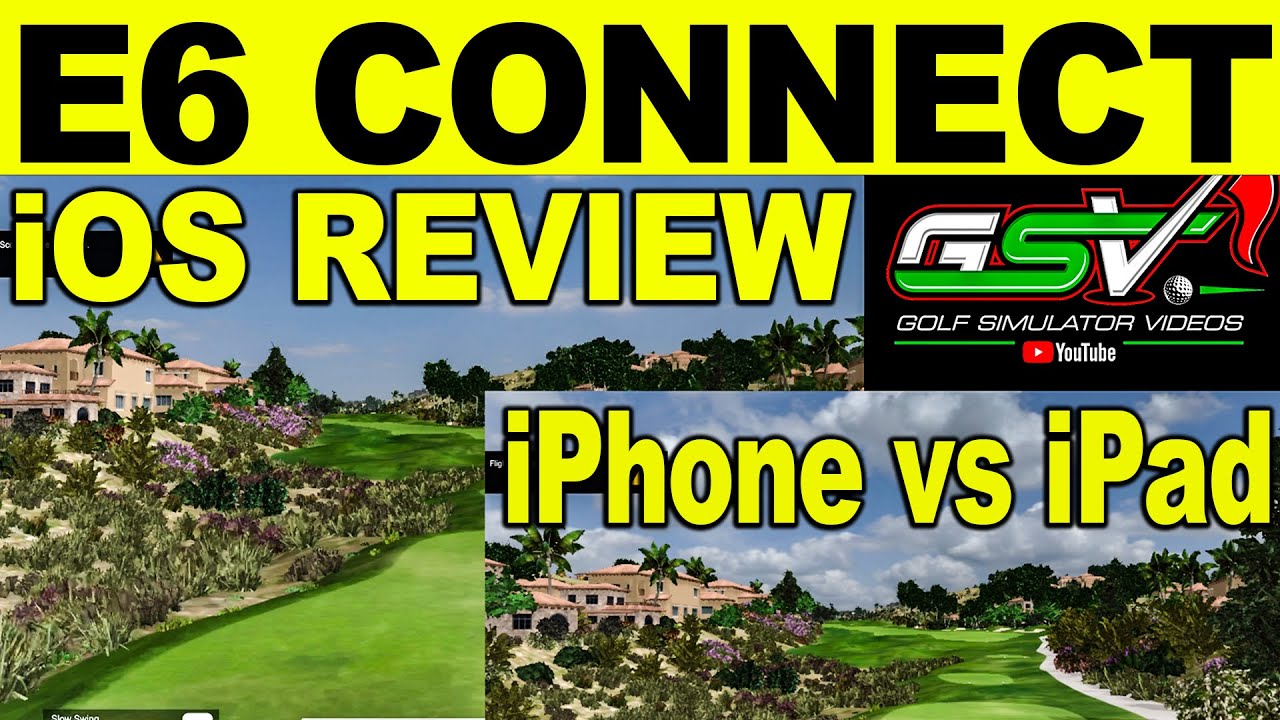
As many are looking to buy Flightscope Mevo+ and want to see E6 in action or own Mevo+ using E6 iOS, I did a fresh update since E6 is now updated using the Apple Metal API. Let me know what you think in the YouTube Comments and if your iOS Device looks any different.
-
Great comparison, but I can't tell if you're recommending running E6 on the iPhone 12 Pro or an older iPad Pro (1st edition)? I only have the iOS demo version from the Mevo+ purchase.-
Read the title, and in the video you say you are running the latest iPad Pro, not an older version. It seemed that you found little difference between the iPad and the iPhone with the update. Other than the small screen and recommending a stylus, is there a reason to not use the phone? -
Correct. The update was with the E6 Connect software. If you look at older comparisons the quality is different. iPhone was more scaled down from what I can tell. So, from what I can tell right now you can get the same quality on this iPhone 12 Pro vs the iPad Pro but it is in 16x9 on the iphone
-
-
What would be cool to see is an overlay comparison of the Previous E6 iOS version to the new E6 iOS release with flyby, just to see how much the iOS graphics have improved... may be hard to do that now though, after devices have already updated to the new version.Comment
-
Flyby is cool and all but what about playing the game? Is there lag between the IPad Pro & the IPhone? Other than selecting an area to hit, are there any other differences?Comment
-
I did it this way because the flyovers are actually the most demanding. Would be really difficult to get 2 devices setup properly to a iPad and iPhone. I can look into it but just not something really simple to do you know. Also the update for metal api really is supposed to directly affect graphics not play in anyway. So was just tying to look at greenery and if any frameloss etc.
-
-
I am looking at getting an ipad to drive e6 ios free courses via lightning to hdmi on a projector.
I am told the new iPad Air (2020) vs IPad Pro have very similar graphics capabilities. Your video compares a Pro with iPhone 12.
Do you have a view on the latest iPad Air vs iPad Pro working with Mevo + and iOS e6 Connect?
I know the aspect ratio issues would favour 11" over 12.9" to come closer to 16x9 aspect ratio compared to 12.9" which drives 4x3.
Thoughts on 2020 Air vs Pro?
Thx Happy New Year?
Comment
-
704Golf - I use latest ipad 10.5" IOS 14 and projects only at 4:3 ratio. Tried to change the E6 projector settings and did not effect the screen size. We have the projector dropped down from the ceiling 14ft from screen. We initially purchased a lower end project of $300 then upgraded after 4weeks to $1100 and well worth it, so much brighter. I am planning to setup a Windows Laptop this weekend and test it out as we do want the better graphics with E6 PC version initially. Then looking at purchasing TGC 2019 most likely.Comment


Comment