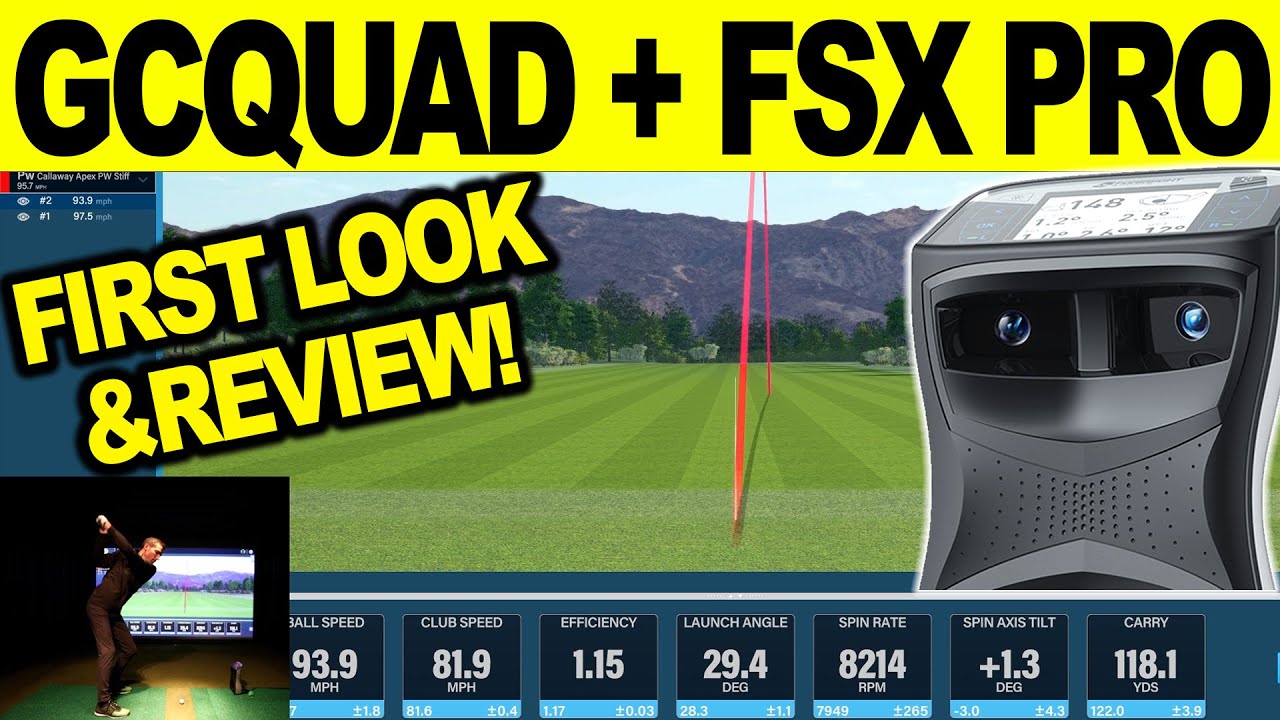
Watch our first look & full review of the FSX Pro Software using the Foresight Sports GCQuad Golf Launch Monitor. We hit some shots and take you through an in-depth review of the data, graphical displays, and more. If you are looking to purchase a Foresight Sports GCQUAD or other hardware or software be sure to email me for special discount pricing at: a98cr125@gmail.com
-
Another great video - please keep them coming. I picked up several tips for additional settings which I had not yet discovered, so many thanks for that. -
Been using it on GC2 since released, really impressed for data and club fitting...some points...
No Historic session data like trackman offers
No Bluetooth support for GC2
Fsx2020 uses same room setup tool, for me the FSX pro range is not centered
camera support is needed , presume that will come
Reports filtering us needed to stop generating range images or club data for users without HMT or QCQuad clue data
Comment
-
I think the plan is the historic to be all done with FSX Live. I am sure a GC2 Bluetooth update could come, I will ask. FSX pro range can be centered if using the secondary monitor, it makes it full screen. I would think they would have to create a full new report vs just having the club data blank and I am sure they assume anyone using this has club data for coaching or fitting so that might not change. Thanks for watching!
-


Comment