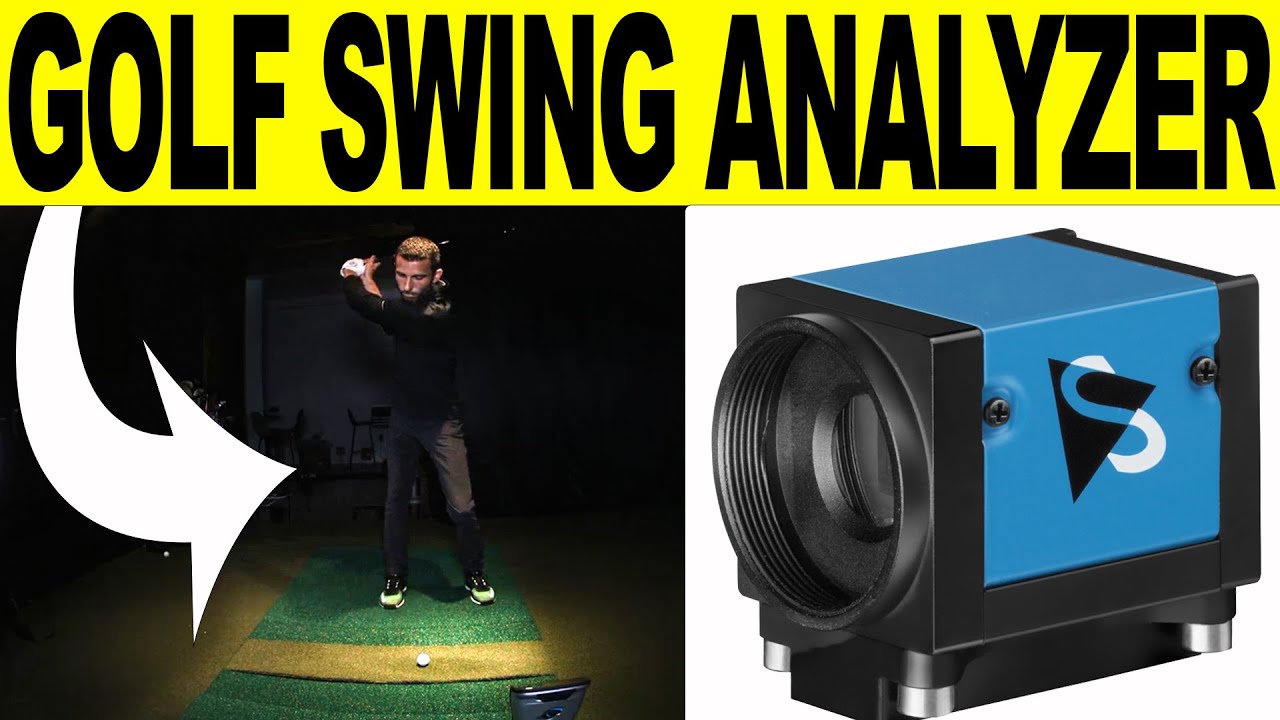
Check out our all new Golf Swing Analyzer System! We added The Imaging Source Cameras to our Foresight Sports FSX 2020 setup. In this review we will talk about the golf swing camera specifications, setup, lighting, and show a demonstration of a swing in the software.
-
It is important to note, if you listen to the video, I am using the 935st here and there is no screen flickering at the 120fps. So if you are a BenQ single chip laser user this is for you! -
I just wrote a comment on your YouTube video and will do so here too...
I'm wondering just how bright the lighting is on your set-up. I understand that you have high-end lights for the face-on view but just the lumen output would be very helpful, if possible.
Maybe some links to what you have? With almost any camera, lighting is what matters and getting an idea of what you are successfully using would be a great help.
I worked with Bob T at Imaging Source and he was very helpful and patient with me. I had some issues that turned out to be simple fixes but he was patient the whole time and when/if he couldn't answer my questions, he brought in someone who could.
Thanks in advance,
Jon in American ForkComment
-
Like to know the lumen number as well.
I'm sure it's the tablet I'm watching your youtube video on but it looks a little dark. Would lighter colored clothing that didn't absorb so much light help? Or just more light?
Also, with my setup, I have my computer screen mirrored to my impact screen, would the BenQ projector really make any difference ??Comment
-
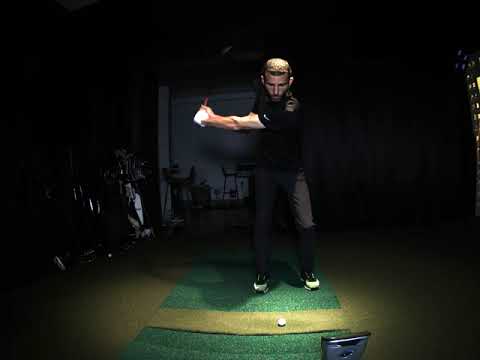
What's up StanMI & JonH59 So I did a LUX reading from the center/belt area. It is about 1100 lux. Head area is about 1500 lux and closer to the ground is 1200. I think it just depends on where my overhead lights are hitting. Dark clothing for sure makes a BIG difference. Notice my arms in this video how much better they are. Black on Black background does not help but I do not mind I can see everything fine. In this video I only have my face on panel on along with my 2 mini halogens and 2 LED's that are above you can see that light up the hitting area. I purposely pushed the video down to 10% to see how smooth it is at the 120FPS. Looks damn good to me. Let me know what you think.Comment
-
Thanks so much for the lighting numbers. This will help a lot when I (finally) get around to chasing good lighting for my setup.
And your video looks great. I hope mine will be similar.
Thanks again,
Jon in American ForkComment
-
Am i able to use this camera system with a Skytrak on my laptop?Comment
-
SkyTrak has a home version for Swing Cat. If you email me I can connect you with the NA rep for information on it all. Email: a98cr125@gmail.com
-
-
does anyone know how the videos save? can you select a folder on your computer where the video/data save to? or is everything lost after every session? or after every shot?Comment



Comment