Announcement

Collapse
No announcement yet.

Playing Revelstoke as Par 3 in GS Pro using ProTee VX

Collapse
X
 
  • Filter
  • Time
  • Show
Clear All
new posts

  • Playing Revelstoke as Par 3 in GS Pro using ProTee VX

    Watch a demonstration of the shot reading capabilities the VX has without the need for marked balls or stickers on the clubs by Leo from Leo's Custom Golf.
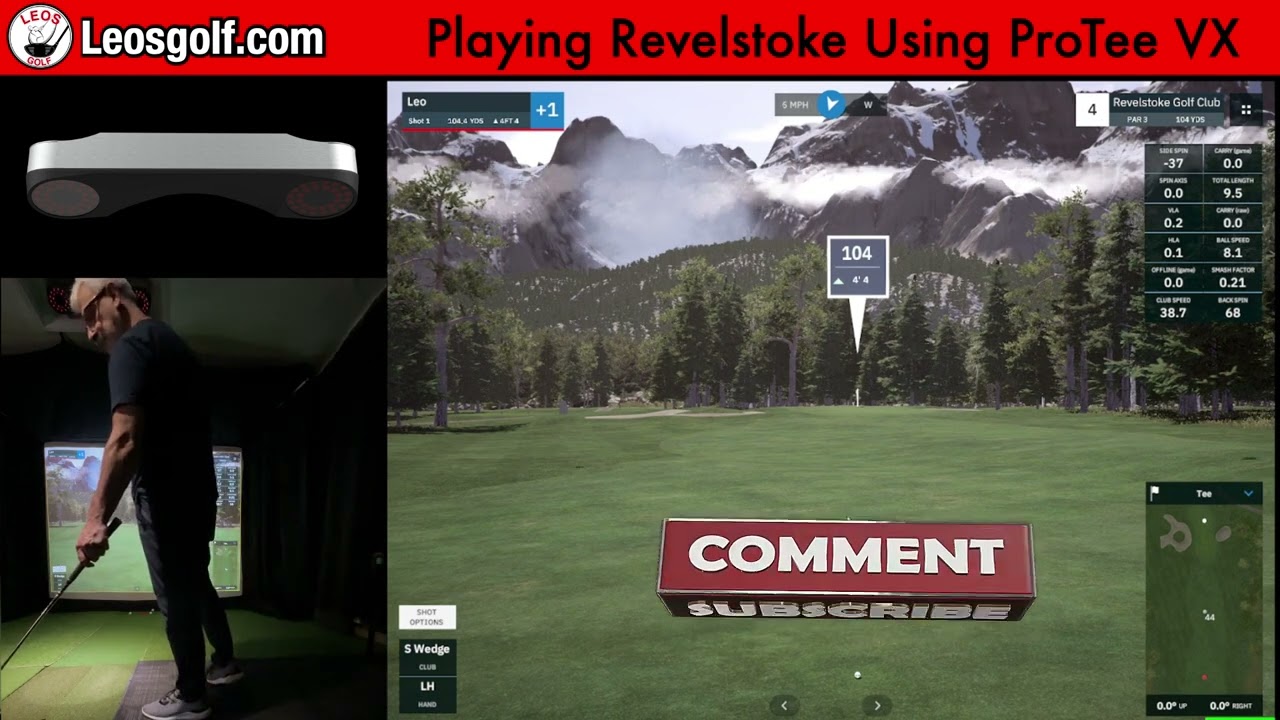


    Leo's Custom Golf is one of ProTee United's Canadian Partners. For more information or interested in buying the VX in Canada, check out his store:
    NEXT GENERATION, GAME CHANGING TECHNOLOGY FINALLY MADE AFFORDABLE From a company that knows a few things about golf simulation.... The latest and newest system from ProTee United. ProTee VX Featuring low light and A.I. powered high speed camera based ceiling launch monitors. The latest machine


  • #2
    Martijn I've been watching some of the VX videos and had a question about the display output. Can you have different views going to separate monitors? For instance, I'd ideally like to have the range view on the projector screen and then the data view with the video on a side screen. Couldn't tell if that was possible or if you can only have one view tab at a time.

    Comment


    • #3
      Leo Spaceman, Thank you for your question! Currently, you cannot have two of the ProTee Labs tabs on two separate screens. This feature will be added further down the line but not at the moment. However, ProTee Labs does run in the background while you are playing simulation games. This means you can play a round of golf or hit the driver on your preferred golf simulation game on one screen, but then have all your data, shot video and spin from ProTee Labs running on another screen simultaneously. I hope this answers your question!

      Comment

      Working...
      X