
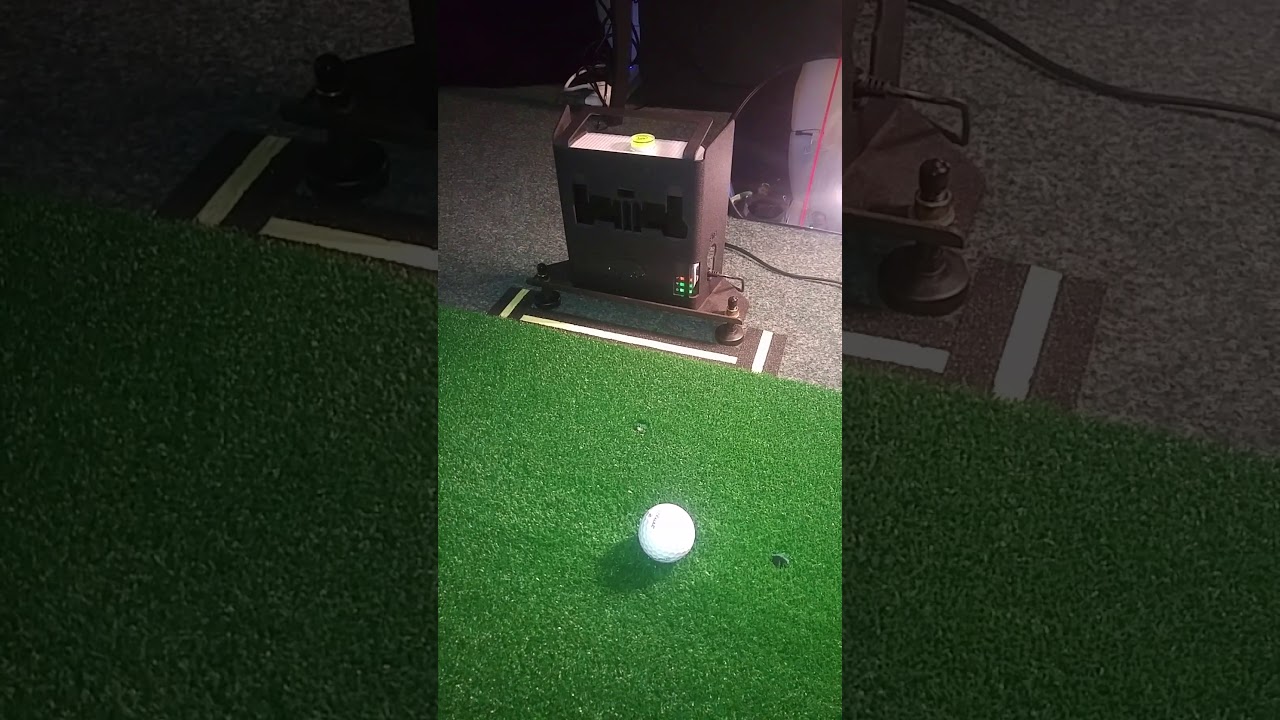
Alright guys, we have two Skytraks in two rooms run by different computers. Both simulators use The Golf Club. We'll call them room 1 and room 2 to simplify things. We finished room 1 and played it while we were working on room 2. No issues whatsoever works great. When we finished room 2 and started using it, the lazer on the skytrak kept turning on and off when prepping for a shot. It does this both in the skytrak app on any mode, as well as within The Golf Club software.
Suspecting a defective unit we swapped it out with the Skytrak in room 1. To our surprise the skytrak that had been malfunctioning in room 2 worked fine in room 1, and the Skytrak that worked fine in room 1, had the laser turning on and off in room 2.
Both units are running the most current firmware release. Both units have been tried in USB mode, Network mode, and Direct mode. There's no change in any of the modes.
Both rooms are windowless eliminating sunlight as a factor, however room 2 has directional LED lighting where the ball is placed. Room 1 has diffused LED lighting.
At this juncture the only thing that makes sense to me is either:
A lighting issue
Or an issue with the computer.
I've looked through the forums but couldn't find a post with someone having quite the exact same problem. Any input is appreciated.
Suspecting a defective unit we swapped it out with the Skytrak in room 1. To our surprise the skytrak that had been malfunctioning in room 2 worked fine in room 1, and the Skytrak that worked fine in room 1, had the laser turning on and off in room 2.
Both units are running the most current firmware release. Both units have been tried in USB mode, Network mode, and Direct mode. There's no change in any of the modes.
Both rooms are windowless eliminating sunlight as a factor, however room 2 has directional LED lighting where the ball is placed. Room 1 has diffused LED lighting.
At this juncture the only thing that makes sense to me is either:
A lighting issue
Or an issue with the computer.
I've looked through the forums but couldn't find a post with someone having quite the exact same problem. Any input is appreciated.

Comment