Announcement

Collapse
No announcement yet.

Remote Control for TGC - FLIRC

Collapse
X
 
  • Filter
  • Time
  • Show
Clear All
new posts

  • Remote Control for TGC - FLIRC

    I wanted to share this remote add-on. Its a small USB receiver that plugs in PC which allows you to customize any remote control to be used with TGC. You can map out keyboard keys to your remote of choice. The IR sensor has a really wide range but if you are plugging in the back of your PC you may want to get an extended USB cable to bring the receiver to the front. I received it last night and it took less then 5 mins to program several hot keys. It worked flawlessly and highly recommend it!

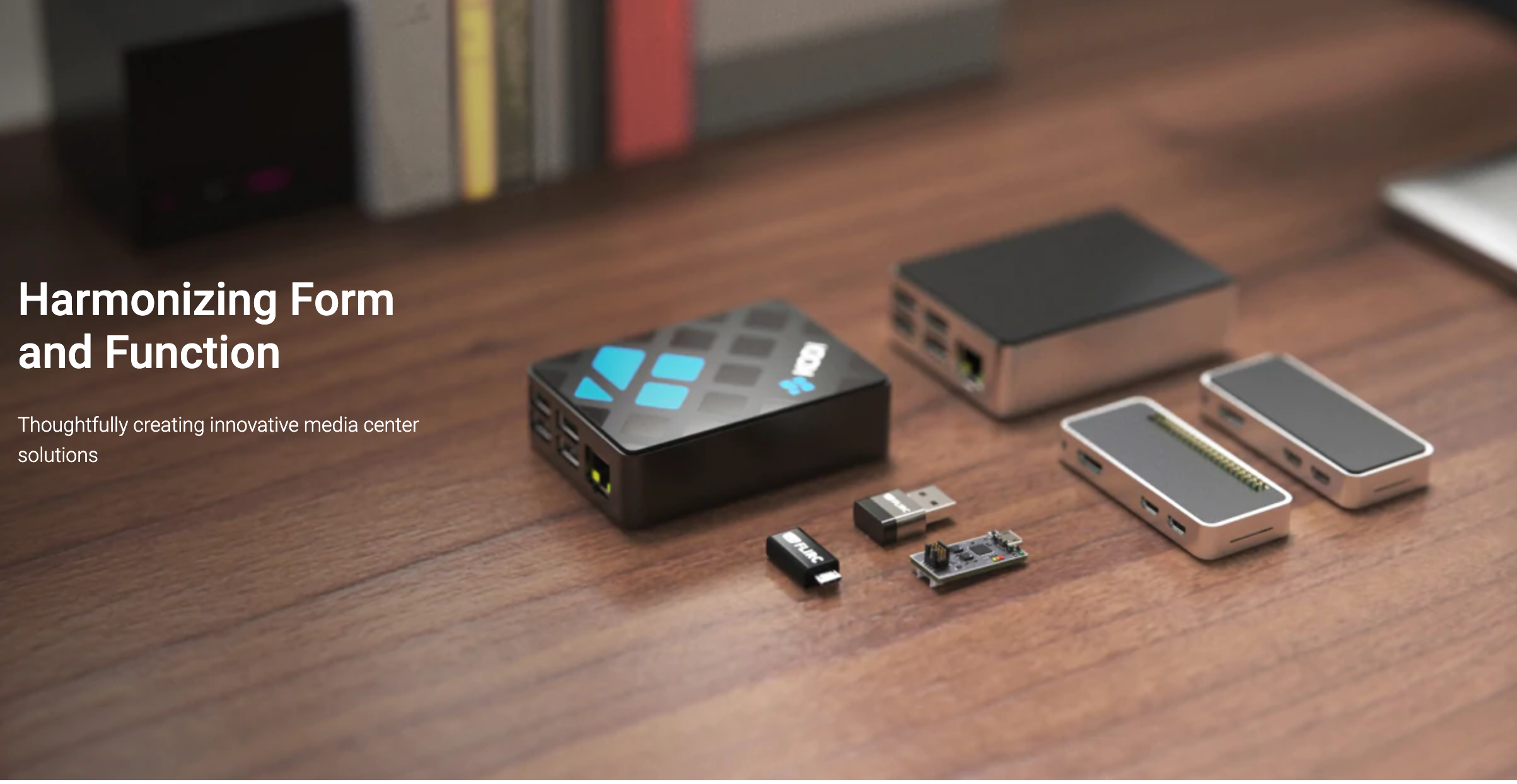
    Flirc makes cool things for your media center, as well as supporting unique creative ideas. Raspberry Pi cases that absorb heat without any need for a fan. The Flirc USB that allows you to control any USB device with any remote you pair it with. The Jeff Probe for in house debugging. And more to come!


  • #2
    Does the receiver have its own software to map hotkeys or are you using another program? Are you able to map out functions that involve multiple presses like rewind? very interested. Would also like to be able to turn on my pc with this if possible but I'm sure its not.

    Comment


    • #3
      Originally posted by docsmilez View Post
      Does the receiver have its own software to map hotkeys or are you using another program? Are you able to map out functions that involve multiple presses like rewind? very interested. Would also like to be able to turn on my pc with this if possible but I'm sure its not.
      Yes, it comes with several templates including a keyboard template. Multiple Presses (Macros) is coming out in their next software update. If your PC is in Sleep mode there is the ability to wake it with a press of a button. The keyboard has a Wake button in upper right.

      Comment


      • #4
        Good thought. I've had a couple on my htpc's for about 5 years. They are still working great. I never thought of using this for sim. Now I'll have to go buy another one. Nice work and thanks for sharing.

        Comment

        Working...
        X