Announcement

Collapse
No announcement yet.

Ipad vs Computer and big screen on the wall for Skytrak- to use with a projector

Collapse
X
 
  • Filter
  • Time
  • Show
Clear All
new posts

  • Ipad vs Computer and big screen on the wall for Skytrak- to use with a projector

    I am a newbie and I have already ordered my Skytrak for my garage. Which is a better interface? An Ipad or a computer and big screen on the wall?

    If I go with a PC, is the $400 Inspiron Desktop with the below specs good enough? I plan to play golf games such as TPC.
    • 10th Generation Intel® Core™ i3 Processor
    • Windows 10 Home
    • Intel® UHD Graphics 630
    • 256GB Solid State Drive
    • 8GB Memory
    Thanks,
    Last edited by khalespace; 12-02-2020, 10:45 PM.

  • #2
    To your first question, I always say bigger is better. So my order of preference for a display would be:

    1. On an impact screen from a projector
    2. TV mounted on the wall
    3. Computer monitor
    4. Tablet
    5. Phone

    If you can do an impact screen and projector, it's a much more immersive experience. And if you do that, you don't need any other display. Just a keyboard and mouse.

    To your second question, that computer will unfortunately not work. The computer requirements for TGC2019 can be found near the bottom of this page = https://www.skytrakgolf.com/simulati...golf-club-2019

    The biggest thing is having a dedicated graphics card and not an integrated card from Intel. I suggest shooting for the recommended specs and not just the minimum specs if you can swing it.

    Comment


    • #3
      I will have a projector and impact screen. So I just need a Gaming desktop and that is it? I don't need another tablet or TV to operate? I ask because I see images people having both Projector and a TV or Ipad.

      Is the Dell G5 with Intel Core i7 good enough? It is $900. Is Nvidia GTX 1650 Super as good as the GTX 1060?

      Thanks,

      Click image for larger version

Name:	dell.png
Views:	1049
Size:	267.8 KB
ID:	301103


      Originally posted by 3on3putt View Post
      To your first question, I always say bigger is better. So my order of preference for a display would be:

      1. On an impact screen from a projector
      2. TV mounted on the wall
      3. Computer monitor
      4. Tablet
      5. Phone

      If you can do an impact screen and projector, it's a much more immersive experience. And if you do that, you don't need any other display. Just a keyboard and mouse.

      To your second question, that computer will unfortunately not work. The computer requirements for TGC2019 can be found near the bottom of this page = https://www.skytrakgolf.com/simulati...golf-club-2019

      The biggest thing is having a dedicated graphics card and not an integrated card from Intel. I suggest shooting for the recommended specs and not just the minimum specs if you can swing it.

      Comment


      • #4
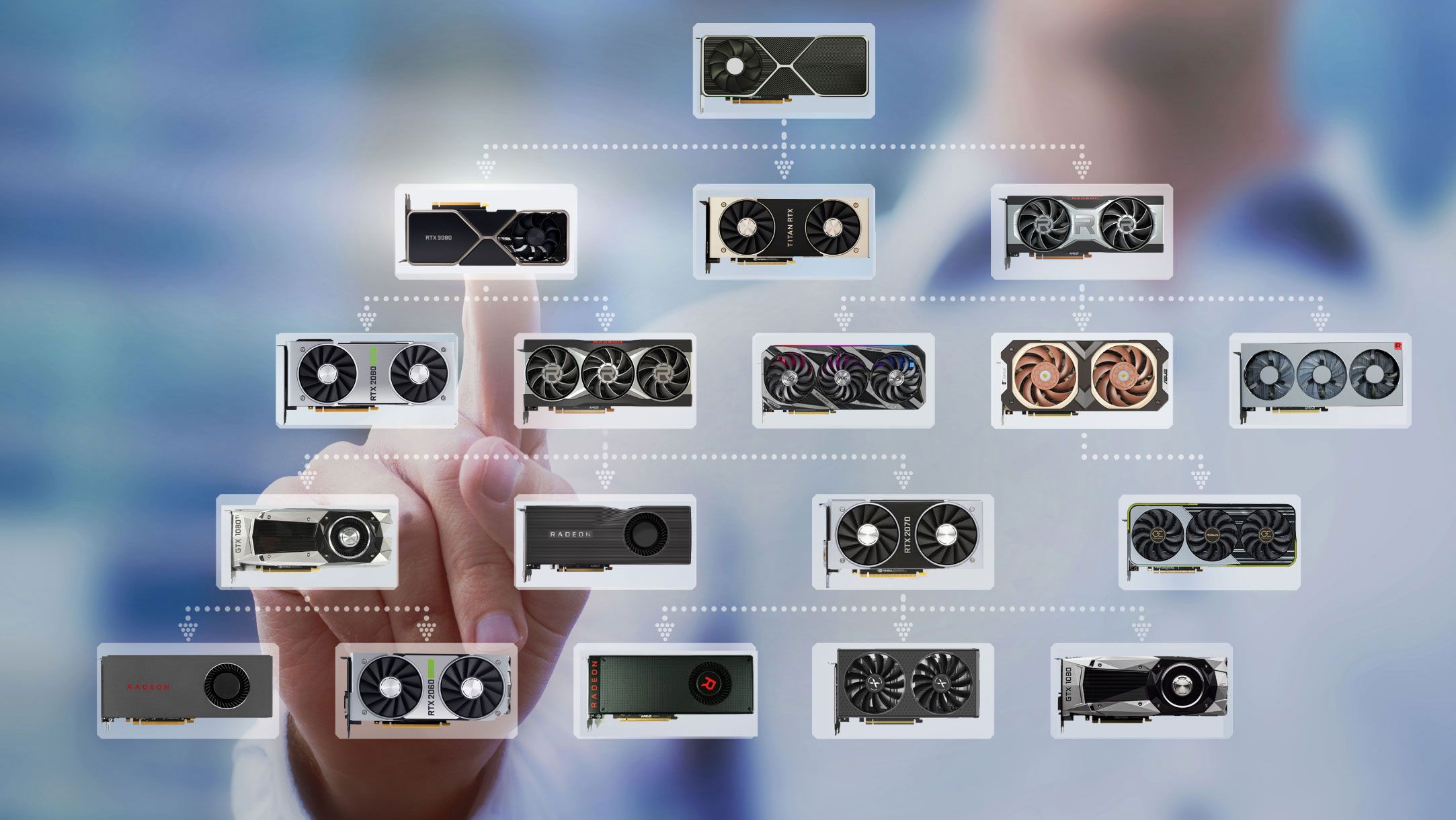
        The last two digits are the key to understanding the GPU. Xx50<xx60

        Or just go to this link and check it out

        We've run hundreds of GPU benchmarks on Nvidia, AMD, and Intel graphics cards and ranked them in our comprehensive hierarchy.

        Comment


        • #5
          You do not need another monitor if you have a projector. I only have a projector. Some choose to have a second display but it's not necessary.

          Comment


          • #6
            Ok thanks. I will just have the desktop with the projector. My younger brother, a serious gamer, will build a desktop for me for $1000 with a 2060 graphic card and 16 GB RAM.
            Last edited by khalespace; 12-03-2020, 07:33 AM.

            Comment

            Working...
            X