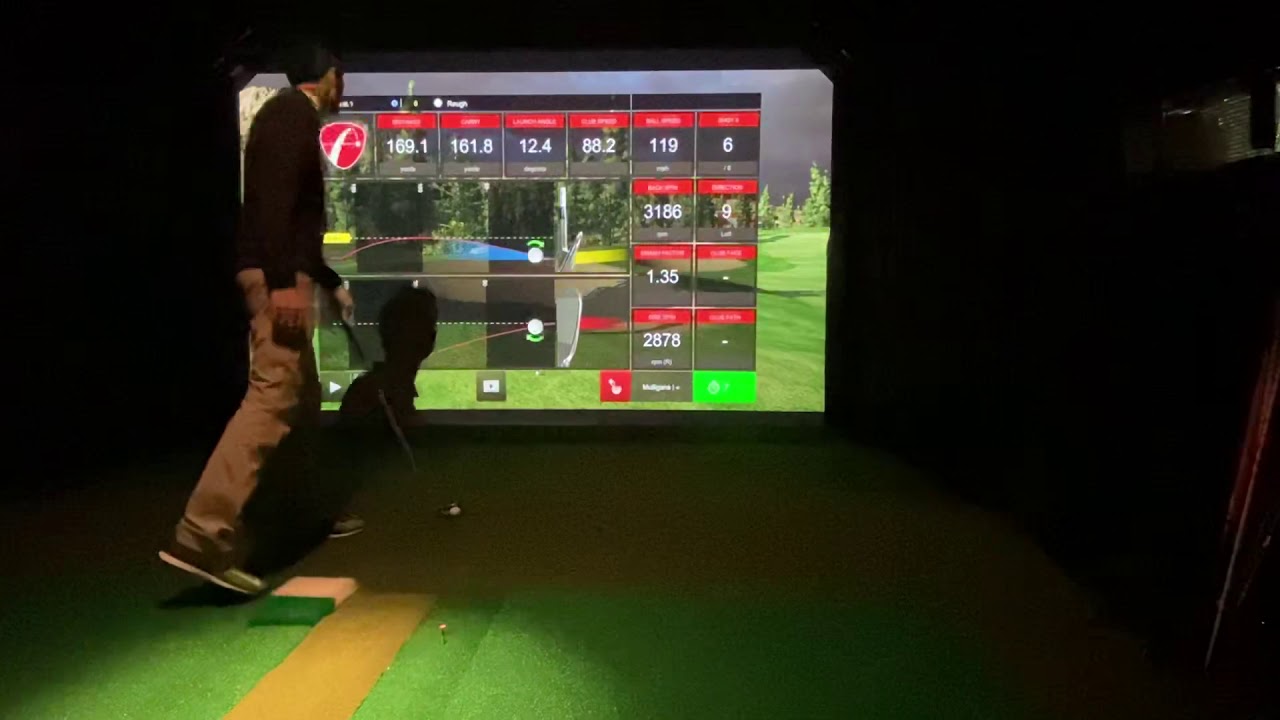
I threw together another quick video to demonstrate shot shaping on the MEVO+ on e6
-
Wow thanks for doing that. I noticed the screen animation looked a bit clipped at times... Was that because you are running this of an iPad? Amazing setup by the way. That looks like a slice of heaven!-
Thanks for jumping in GungHo. Yes this has since been corrected. If I have some time this weekend I will try to snag a few more videos. iu7 32GB Ram, NVMe SSD and GTX1060 is smooth as butter now. -
That's really good to hear guys. I was worried that you were capping out the GPU in terms of FPS. Odd though that you can't mirror it on your laptop... Maybe its because your output resolution and response rate is slightly different than your Laptop's native response rate and output resolution. In a Desktop application, especially with a 2080, you would just allocate a different external port with the specifications you needed and set that up in the NVIDIA Control center. -
SkeetShooter I figured out how to mirror and still get 60fps - had to add E6 Connect as a 3D game in the Nvidia control panel. It actually now runs at 120fps on my laptop in 4K, but maxes at 60fps on both laptop and projector when mirrored.
-
-
What sim software is that? Love the sky.Comment
-
Good stuff.... is the only drawback so far the putting inside 15 feet?Comment
-
I'd like to see one tested against quad or GC2. I don't even trust skytrack half the time. I watch streams of people hitting the ball left of where they hit from and the ball launches right in the game. Looked like it at least went in the direction of where he was trying to hit it, that's a good start
-
I have both the Skytrak and GC2. I agree the horizontal azimuth is not as accurate on the Skytrak however their spin measurement including total spin and spin axis is quite accurate. I do agree however that a comparison with the Meavo+ to a GC2 is kinda the golf standard.Last edited by Bubba22; 02-01-2020, 09:52 PM.Comment


Comment