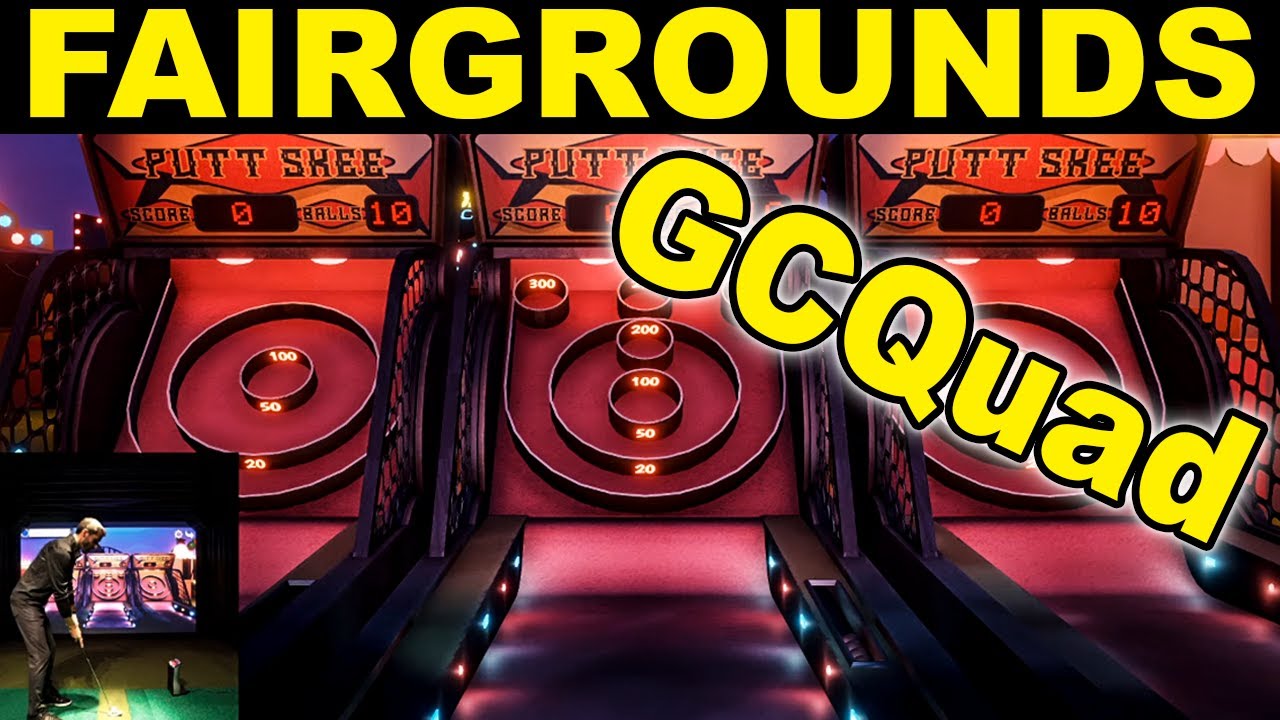
I have been having a lot of fun with the kids playing fairgrounds. I did a overview of each game in this latest video.
-
So, I have been meaning to try this but when I downloaded the software and installed - it does not look like it is registering the shots .....well, it shows the ball hitting the targets but I am not registering any points. Any quick fixes / setup notes?
-
I had issues with the balloon pop game, which is the one I was most interested in for chipping practice as well as my kids enjoyment. I thought if you hit the screen in the exact location of the balloon, it would pop the balloon. However, the impact and the balloon pop were way off. The impact point (where the tracer starts the shot on the screen) is fairly accurate in FSX2020, so I know I have the room config set up correctly. I found it annoying and unusable, so I uninstalled Fairgrounds. (The rest of the games actually worked just fine.) I'll probably re-install it when my new gaming pc arrives in Nov and give it a shot.
That is interesting that you are not getting points for hits. Not sure about that issue.
Comment
-
Had same issue after an update with the balloon pop, as you said thought it was room
setup issueComment
-
Nice video like always , thank you sirComment
-
After watching the video I decided to give it a try but can't get it to detect my gc2 with bluetooth. Strange, no issues with fsx 2020 though...
update: got it working with usb cable but not Bluetooth..Last edited by fortysixandtwo; 11-03-2020, 11:31 PM.Comment
-
Anyone know how to fix fairgrounds that is showing the games being too close up? (Ie. Distance to balloon is too close) I adjusted the distance from GCQuad to the screen using room setup and FSX2020 is perfect but fairground distance seems too close now.Comment
-
Does it in mind with GC2, presume it’s some sort of graphics engine/driver bug on some systems
Comment
-
So no fix? My kids do like the games so I would like to figure out how to fix it. I guess I can call Foresight.Originally posted by vrpunk View PostComment
-
It use to work until an update quite a while ago.
as mentioned fsx2020 works with the same graphic drivers and room setup, so I presume it’s the actual Fairgrounds software.
I am a software developer and tried numerous permutations and looked into the windows registry settings and different gfx card drivers, didn’t fix the issue.Comment
-
Hmmm. Thanks. I will call foresight and see what they say.Originally posted by vrpunk View PostComment
-
I have been unable to get Fairgrounds to work at all, when I launch a game I just get a dark screen. I think it is a room config issue (like, the config is WAY off so I can't even see the game somwhow) but my setup works fine for FSX and I don't want to mess with it in an effort to get Fairgrounds to work. Foresight support have not been able to help at all.Comment
-
Mine works fineComment
-
I find setting the screen to 16x9 no matter what your screen is makes it work. at least in my case
and my screen is 13x8
Comment
-
Thanks for this. That fixed it! I changed the height of the screen to 9' and fairground looks correct now (I kept the screen width still to the exact width of my screen at 12', and that was fine). In FSX, it seems to show the ball impact on screen slightly lower than where it actually hits, but it's not too bad.Originally posted by Jnc10 View PostLast edited by Michael Chen; 02-02-2021, 01:39 PM.Comment


Comment