Golf Simulator Forum is the center point for discussion on golf simulator products, brands, manufacturers, launch monitors and everything else related to golf simulation.
If this is your first visit, be sure to
check out the FAQ by clicking the
link above. You may have to register
before you can post: click the register link above to proceed. To start viewing messages,
select the forum that you want to visit from the selection below.
Downloaded FSX Pro today and spent some time on it. Watched a couple demo videos by others. Seems like an ok tool for club fitting purposes. Reports are nice and tidy. Some neat visualisations, I like the grid views. Club selection is way easier. However, the lack of access to course holes, lack of movement of location from tee etc will not get me to stop using FSX2020 for practice or lessons.
It's available for PC, iOS coming any day, they had a delay to fix a bug. There will be a lot more enhancements coming as well. They really plan on developing this a lot.
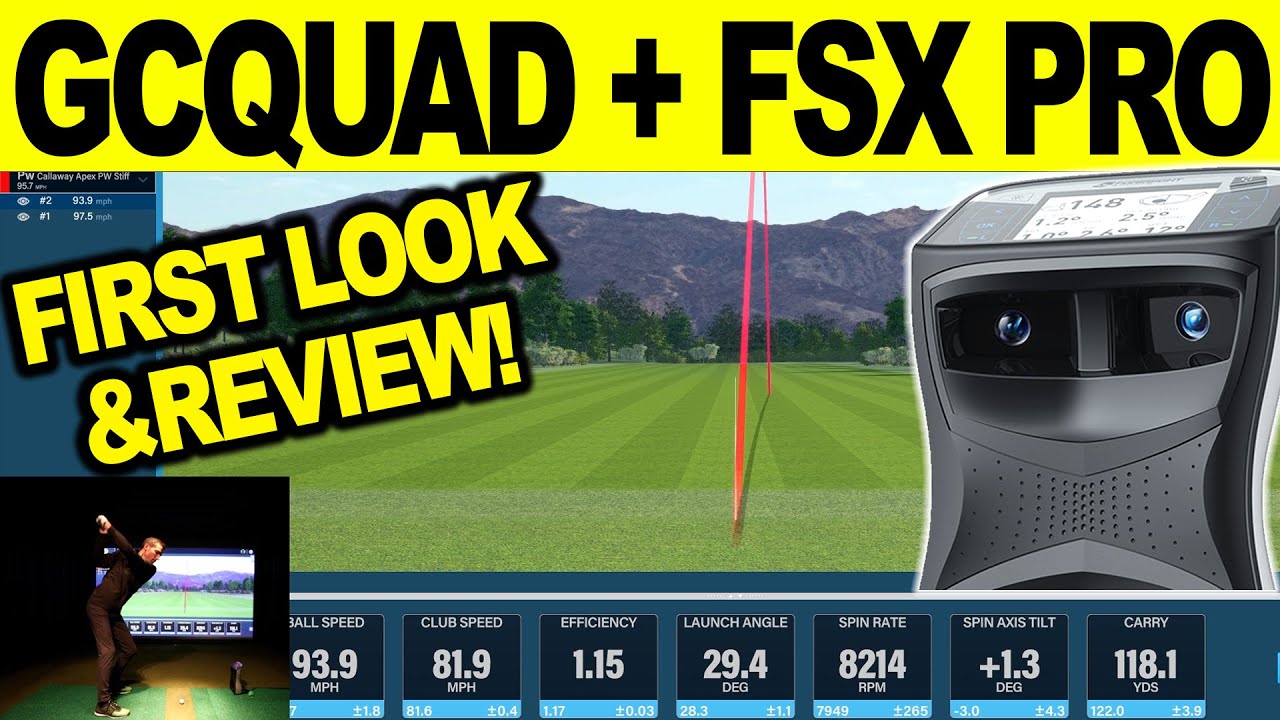
FSX PRO - Watch our first look & full review of the FSX Pro Software using the Foresight Sports GCQuad Golf Launch Monitor. We hit some shots and take you t...
That would be great, my background is software development/Maths and junior golf coaching I am always looking at performance data to create challenges and games that are quantifiable and improvements can easily be visualised ..... yawn.
Had a quick look after hitting 2 shots then 3 shots:
Range (yds) = Difference between Longest Carry and Shortest Carry
Range Consistency (yds) = Same as Carry Accuracy (Which uses Standard deviation)
Spray (yds) = Difference between Offline(carry) left and Offline(carry) right
Spray Consistency (yds) = Same as Offline Accuracy (Which uses standard deviation)
Dispersion (sq Yards) = After 3 shots, the area created when drawing a perimeter of straight lines joining the CARRY points.
Accuracy (sq Yards) =Not sure yet presume something to do with dispersion and standard deviation.
The great thing is they listened about us needing CARRY numbers! The FSX2020 custom build challenges are good but points are all based on total finishes. I want players to be able to hit/know their carry number, then adjust depending on environment.
Anyway, will be using these data groups to see measure how students improve.
Reports don’t allow cvs export ( great for excel spreadsheet stuff) and you can customise a report for reporting on various values, no way to report or export group data.
This is currently for FS VX App users but it could also process data from GCQuad or Trackman.
Upload exported CSV file from FS VX App, this site provides data analysis as well as different types of graphs. Free to use it. Once you created an account, there are demo files provided so you get to explore its capability without uploading any file.
I installed this today on the PC. Have a GC2/HMT. Can't get it to connect. Does anybody have their GC2 connected to FSX Pro on a PC via bluetooth? Or is only USB supported via PC. The device doesn't show up, tried refreshing, etc. Bluetooth connect to TGC and FSX 2020 fine. Thx.
I had some weird ball flights show on display which wasn’t on the gc2 readings.. and then it would correct itself and draw the right ball flight..
maybe a glitch..
I have had that after about 40 shots
The main display graphic shows a bad slice tracer
But the numbers in the software are correct AND if your displaying the 2nd range view on a monitor that shows the correct ball flight tracer.
Once it happens it did it for every shot until I restarted the software.




Comment