
Is there a way to have the mini map zoom in the closer you are to the hole? An example would be a fifty yard wedge shot. Zooming in could show the putting green and and area around it rather than the entire map. Is there a way to request features?
-
-
There's only one mini map and it can't be altered or zoomed.My Courses:
World Par 3's by mthunt
Toronto GC (L) mthunt
Burlington G&CC by mthunt
Weston G&CC by mthunt
London Hunt Club L mthunt
Park CC Lidar mthunt
Sunningdale GC Robinson L
Sunningdale GC Thompson L
Muirfield Village (liDAR) First Ever Lidar course
Country Club of Castle Pines (liDAR)
The Sanctuary GC ProTee L
The National GC L mthunt
Mississaugua GC L mthunt
Shaughnessy G&CC L mthunt
Markland Woods CC mthunt
Hidden Lake Old L mthunt
Magna GC L mthunt
Barrie CC L mthunt
mthunt Range -
Assuming you are trying to look at the green / where to miss, you can accomplish a similar thing without using the minimap by hitting Q (I think that's they key), which zooms into where your club is set to land (so pick the right club first). From there you can move the views around using the WASD (maybe arrows too, can't remember) keys if you want to look at the lay of the land. If you have something like a 50 yard shot and sand wedge is selected as a "normal" shot, it will take you way past the green I think. You can toggle to "pitch" in shot type and it will cut the distance, or just use the WASD/arrow keys to go backwards. Selecting "Pitch" shot type doesn't impact game play for Protee (it's for gaming) but it does impact the predicted landing area for when you zoom inComment
-
I am aware of this. My goal with this game is to prevent walking over to the keyboard and pressing keys to zoom in, have automatic flyovers, automatically skipping the scorecard screen between shots, changing the aim from a pitch from the rough to the fairway back towards the hole, etcOriginally posted by Libbing View PostComment
-
I just don't see how you'll be able to completely eliminate using keyboard or some other interface. Skipping the scorecard should be addressed though.Comment
-
I have recently noticed that my mini map now gives me yardages and allows me to use it to aim as well. In the past it did neither of these, and I hear from others that their's still does nothing for them currently. Is there a button that turns this function on or off?Comment
-
there hasnt been any updates. its 3.0.0. i do have the two patches downloaded for green configuration and straight putting, but so do others that dont have the mini map function. theres got to be a button like F12 or F5 for example, that turns this on/off.Last edited by BadEddieKit; 11-17-2017, 05:59 PM. -
I've used the minimap to show yardages and aim for so long now I can't even remember when it possibly came in. It's been a long time though. Although sometimes it doesn't correlate to the spot i was intending. Meaning, i will click it next to a bunker or something and it will only move slightly from the centerline.
-
Here is a video on how to switch on the minimap:
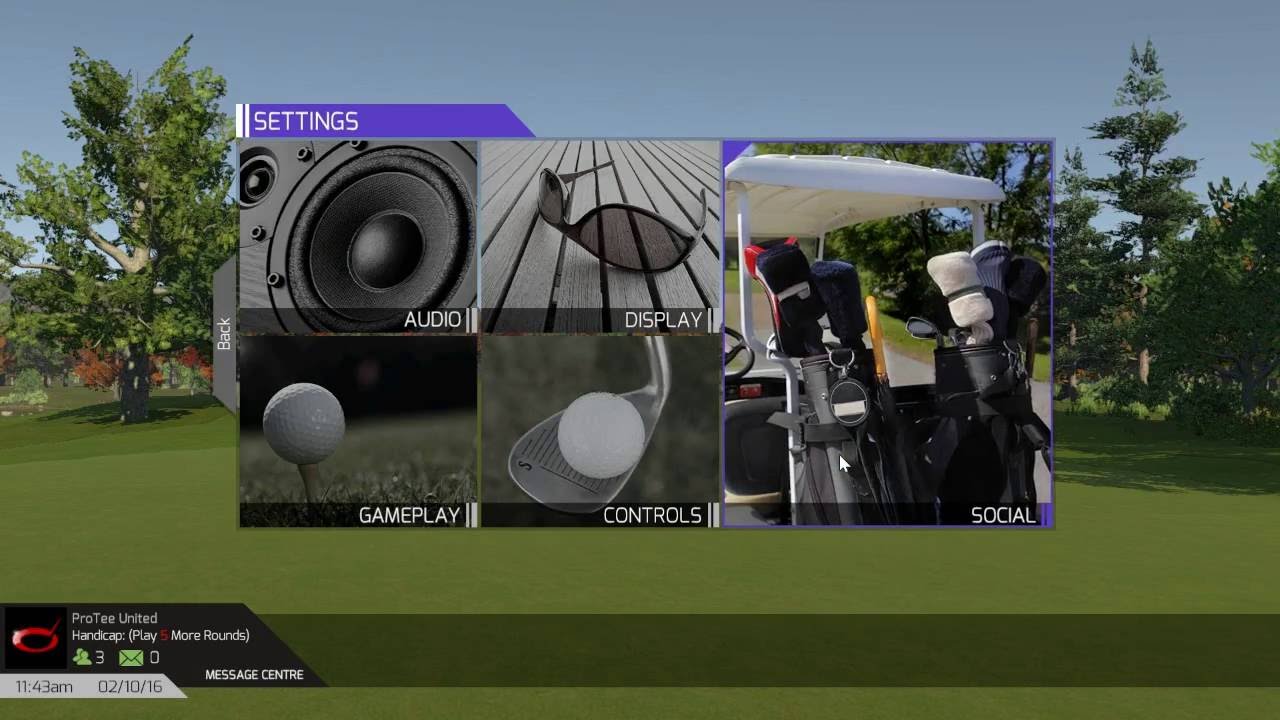
When you move your mouse over the minimap it will display yardages. It will turn/aim the camera to the point where you click it.
Press E on your keyboard to see a full hole overview.
Comment


Comment