Announcement

Collapse
No announcement yet.

What to do above screen?

Collapse
X
 
  • Filter
  • Time
  • Show
Clear All
new posts

  • What to do above screen?

    Searched for last 45 minutes on forum for answer, doubt I am first with this issue so sorry if a repeat question.

    Upgrading "Texas Basement" to include a Simulator. Live in Texas and extended my garage 20 feet behind (so 30 x 20 extension) 1/3 went to covered patio and 2/3 (20 x20) went to Texas basement. Great place for kids to go and play games... but they are on their own now... so my turn.

    Originally built with 8' ceilings, I am rising them to 10 ". However, roof slope will not allow me to go straight up (see picture). I have to think others have this issue.

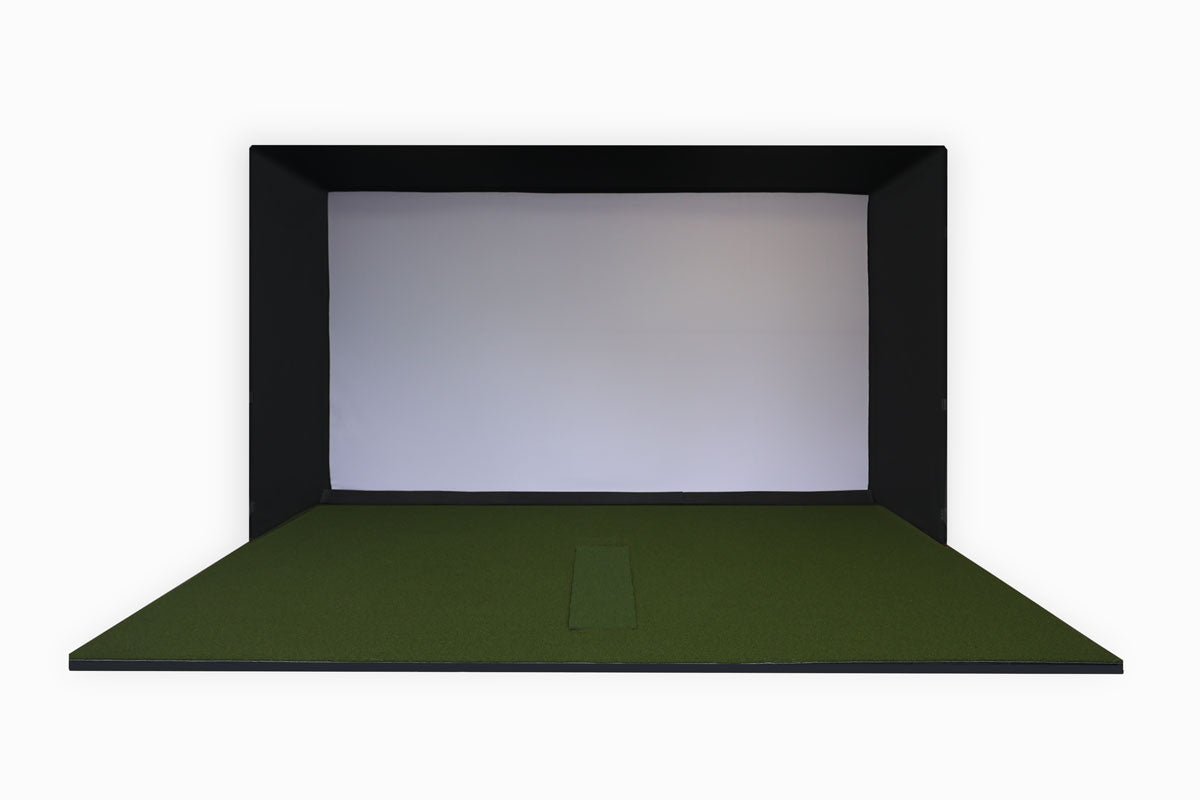
    Plans are to go 16:9 with a 7-7 x 13" screen. My plan was to add a "section" above with cheap impact screen and cover with Black drapes. Then I was thinking about doing the same but angling forward. Before I made a decision, thought I would research on web but have come up empty.

    I am worried about wedge and errant shots. Lastly have Mevo+ on the way

    Any any thoughts, advice or links?

    Thanks in advance
    Attached Files
  • #2
    Nice space! Whereabouts in Texas? I'm down in Houston myself. Have you considered a DIY enclosure? How far from the impact screen do you plan on hitting from? (I assume at least 7ft to keep the Mevo+ happy)

    Link to DIY enclosure:
    Buy our Enclosure Kit HERE.  Email hello@gunghogolf.com for 20% off our Enclosure Kit! Installation is a lot easier, takes 30 minutes or less Everything you need arrives with 1-2 weeks 1 Year Warranty on all parts  Unlimited free support on designing your sim room Much higher quality look, with a longer lasting design 

    Comment


    • #3
      Thanks for the reply and link. Ordered my Mevo though them!

      I am in Clear Lake. Yes will be 7' to 10 ' tee to screen. Odd shape will not let use "standard enclosure". I can get EMT bent to ceiling but will nee horizonal support bar.. Planning on DIY, just want to make sure I am not overlooking anything.

      Thanks!

      Comment


      • #4
        I'd recommend reaching out to the Par2Pro guys -- they helped me a lot here. I had some similar issues where I raised the ceiling in my basement and it left some unusual dimensions. They will custom-cut trim fabric for you that hooks on to the screen and the angle iron above using velcro. Gives it a nice finished look.

        Some pics from my build are here: https://golfsimulatorforum.com/forum...sement-ceiling

        You can actually see the bump outs better in a video I posted to demo the cameras I put in -- https://youtu.be/9VKhsMzKH54

        If you want other pics or anything let me know. Hope this helps!

        Comment


        • #5
          This what I did. Built a frame to run straight across the ceiling on the bulkhead max heights. Put 1/2" ply over the top portion and covered in sound insulation. Then I used a net from par2pro which allowed me to "Catch" the errant high shots with acoustic tiles between the bulkhead and the netting. Here are a couple of pics.

          Click image for larger version

Name:	IMG_2814 (1).jpg
Views:	1038
Size:	44.4 KB
ID:	297758Click image for larger version

Name:	IMG_2960.jpg
Views:	1042
Size:	75.8 KB
ID:	297759

          Comment


          • #6
            jasonreg - looks awesome! Can you tell me the net you bought there? I like the full coverage - I'll have some hackers hitting (even worse than me) that I'll need some shank protection from. Thanks!

            Comment


            • #7
              Sure, so this is what I bought: SQ-T6 Transformer Impact Projection Screen w/Netting

              There are a couple of sizes - I purchased the 12 x 9. I have not researched but I am sure if you call them you may be able to purchase the netting separately. As a kit though it is a super clean installation as the screen come with the Velcro already sewn in place around the edge of the screen and you just start at one corner and just press it in place. Then all that is left is figuring our how you want to connect to the ceiling and walls. I just used drywall anchors and a screw through the grommet in the netting & then bungees on to the walls.

              Comment


              • #8
                Originally posted by jasonreg View Post
                Sure, so this is what I bought: SQ-T6 Transformer Impact Projection Screen w/Netting

                There are a couple of sizes - I purchased the 12 x 9. I have not researched but I am sure if you call them you may be able to purchase the netting separately. As a kit though it is a super clean installation as the screen come with the Velcro already sewn in place around the edge of the screen and you just start at one corner and just press it in place. Then all that is left is figuring our how you want to connect to the ceiling and walls. I just used drywall anchors and a screw through the grommet in the netting & then bungees on to the walls.
                Awesome. Little pricey, but I guess you get what you pay for! Looks good. Thanks!

                Comment

                Working...
                X