
Hi,
Probably this has been asked and I have seen the FAQ post below but haven't really figured it out.
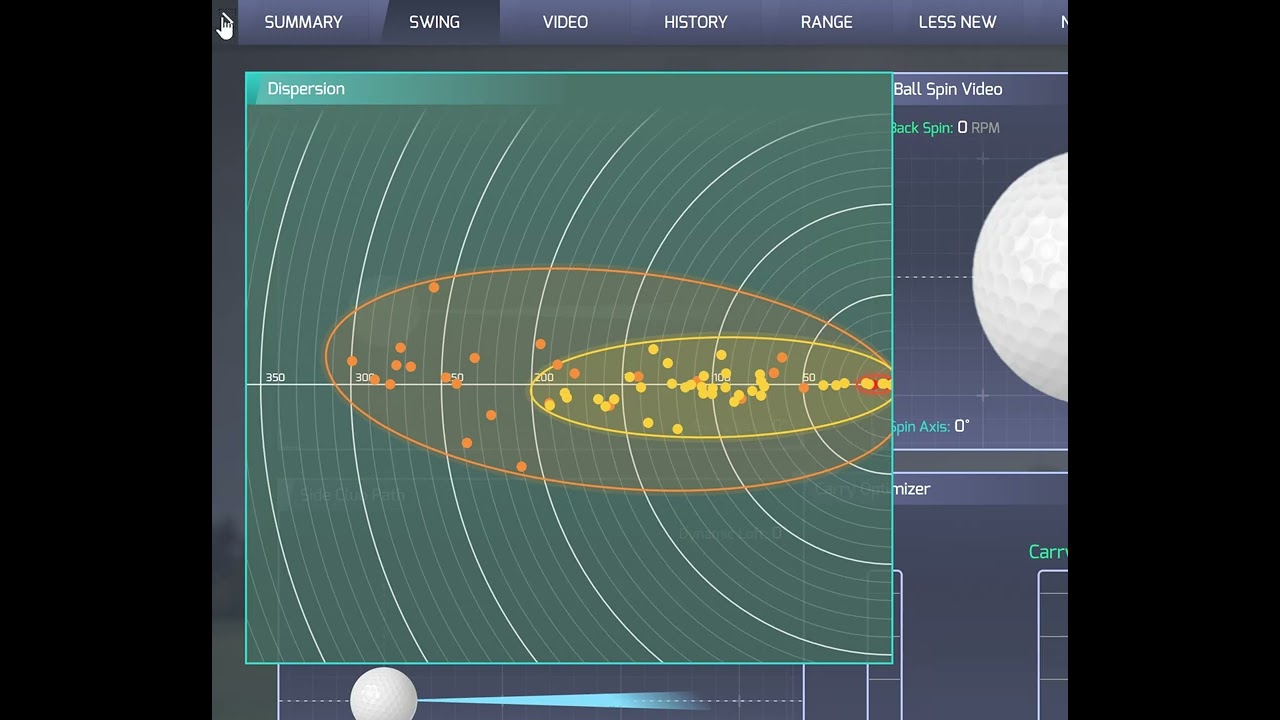
I would like to reset the dispersion view from time to time but can't figure out how to do it? Do I look on the history page for the below? Was hoping for a right click or similar work flow? Might be missing something?
o manage shot dispersion:
Probably this has been asked and I have seen the FAQ post below but haven't really figured it out.
I would like to reset the dispersion view from time to time but can't figure out how to do it? Do I look on the history page for the below? Was hoping for a right click or similar work flow? Might be missing something?
o manage shot dispersion:
- Look for the icon with three colored-in balls next to a shot, club, or session.
- Clicking that icon will add or remove the corresponding shots from the dispersion display.
- To clear the dispersion, simply click the icon on any sessions that are currently being displayed.
Comment