Announcement

Collapse
No announcement yet.

SkyTrak v2.6.2 for iPad - Issues, My Workaround, and Questions

Collapse
X
 
  • Filter
  • Time
  • Show
Clear All
new posts

  • SkyTrak v2.6.2 for iPad - Issues, My Workaround, and Questions

    Hi everyone! This is my first post. I purchased SkyTrak about a year ago, and have used it pretty much every day. What a great training tool! I use it for all shots except putting - driver, long irons, short irons, pitching, and chipping. It gives me great insight and control of my game. Together with the Net Return Pro net and mat, this $3000 is the best golf investment I have made for a long time! I feel very grateful to this great product.

    My set up is to use iPad and "direct mode" to connect to SkyTrak. It had worked smoothly most of the time before v2.6.2. But after I updated to v2.6.2 a few days ago, I started to see issues. The following are the two issues I saw (still see as of this morning May 23 2017), and the workarounds:

    1. The App Upgrade does not work.

    Issue: after upgraded to V2.6.2, the app does not connect to SkyTrak. In the home page, the app does not make attempt to connect.
    Work-around: delete the app from iPad, and re-download the app from App Store. Note that after you install SkyTrak app to iPad, the iPad must stay connected to internet, NOT to SkyTrak unit, when you perform the initial login. After that, you can use WiFi in iPad to connect to SkyTrak unit and login to SkyTrak app again. The app will attempt to connect.

    2. The App crashes / exits on its own after about 1-2 hour of continuous use.

    Issue: after I use SkyTrak without stop for 1 to 2 hours, the app exits on its own without any warning. It is not a flake, and I have consistently seen this.
    Work-around: Same as in issue 1 - you need to delete and app from iPad, re-download from App Store, and re-install. It solves the problem until you use it for another 1-2 hours - at that time you need to repeat the fix.

    Hope these tricks help other people too.

    Questions:
    1. Have anyone else seen the second issue?
    2. To SkyTrak: when will you release fixes to these issues?
    3. To SkyTrak: can you please use more care in the testing of your future software updates. The v2.6.2 update experience has been interrupting and disappointing (my honest opinion - sorry).


    Last edited by Ryan_luan@yahoo.com; 05-23-2017, 02:17 PM.

  • #16
    I'm having the same experiences with the app crashing after a while and requiring a delete and reinstall before it will work again. In my case I also have plenty of memory and storage available on the iPad and am running the latest version of iOS and the app.

    It seemed to be far worse when I connect over wifi and log into 360 online. If I direct connect and don't login I think it works for longer periods but still will eventually crash requiring a delete/reinstall again.

    Comment


    • #17
      I'm experiencing this as well. Had a three hour session a few days ago and the app (v2.6.3) crashed twice after an hour or so. Haven't had to re-install though.

      Comment


      • #18
        I have the same crash problem after I updated to 2.6.2. I have reinstalled three times or more so far. My iPad is iPad Air, latest iOS. After I took almost 250+ shots, then the App suddently crash, the App disappeared, only shows iPad desktop. Then I start SkyTrak App again, it can connect to the device correctly, I go to practice mode, and take a shot, it seems wait a while, maybe the device is sending data to iPad, then App crash. Then the app always crash after every shot. Only reinstall it to let it work again for another 250+ shots.
        Toronto Courses I published in TGC 2019 & PGA 2K21:
        DiamondBack GC
        St. Andrews Valley GC
        Cardinal West Wing Lidar
        Cardinal East Wing Lidar
        King's Riding GC Lidar
        King Valley GC Lidar
        Bond Head South Lidar
        Bond Head North Li V2
        RedCrest Lidar
        Cherry Downs GC Lidar V1
        Copper Creek GC Lidar V2
        Eagle Nest GC Lidar V1
        Glen Abbey Lidar V1
        Lionhead Legends Lidar V1
        Angus Glen South GC Lidar V1
        Angus Glen North GC Lidar V1
        Upper Unionville GC Lidar V3
        Upland GC Lidar V2
        Richmond Hill GC Lidar V2

        Comment


        • #19
          Log file already sent.
          Toronto Courses I published in TGC 2019 & PGA 2K21:
          DiamondBack GC
          St. Andrews Valley GC
          Cardinal West Wing Lidar
          Cardinal East Wing Lidar
          King's Riding GC Lidar
          King Valley GC Lidar
          Bond Head South Lidar
          Bond Head North Li V2
          RedCrest Lidar
          Cherry Downs GC Lidar V1
          Copper Creek GC Lidar V2
          Eagle Nest GC Lidar V1
          Glen Abbey Lidar V1
          Lionhead Legends Lidar V1
          Angus Glen South GC Lidar V1
          Angus Glen North GC Lidar V1
          Upper Unionville GC Lidar V3
          Upland GC Lidar V2
          Richmond Hill GC Lidar V2

          Comment


          • #20
            Originally posted by Ryan_luan@yahoo.com View Post
            Crashed again tonight. Did not get a chance to send log report. Reinstalled and it is back to work. I will monitor this and hopefully provide more details if it happens again.
            Since I reinstalled the APP on May 25 night, the App have run over 15 hours and have around 280 shots on my iPad Air. No crash so far. Today, I will let the App run for a few more hours and hit hundreds shots to test.
            Toronto Courses I published in TGC 2019 & PGA 2K21:
            DiamondBack GC
            St. Andrews Valley GC
            Cardinal West Wing Lidar
            Cardinal East Wing Lidar
            King's Riding GC Lidar
            King Valley GC Lidar
            Bond Head South Lidar
            Bond Head North Li V2
            RedCrest Lidar
            Cherry Downs GC Lidar V1
            Copper Creek GC Lidar V2
            Eagle Nest GC Lidar V1
            Glen Abbey Lidar V1
            Lionhead Legends Lidar V1
            Angus Glen South GC Lidar V1
            Angus Glen North GC Lidar V1
            Upper Unionville GC Lidar V3
            Upland GC Lidar V2
            Richmond Hill GC Lidar V2

            Comment


            • #21
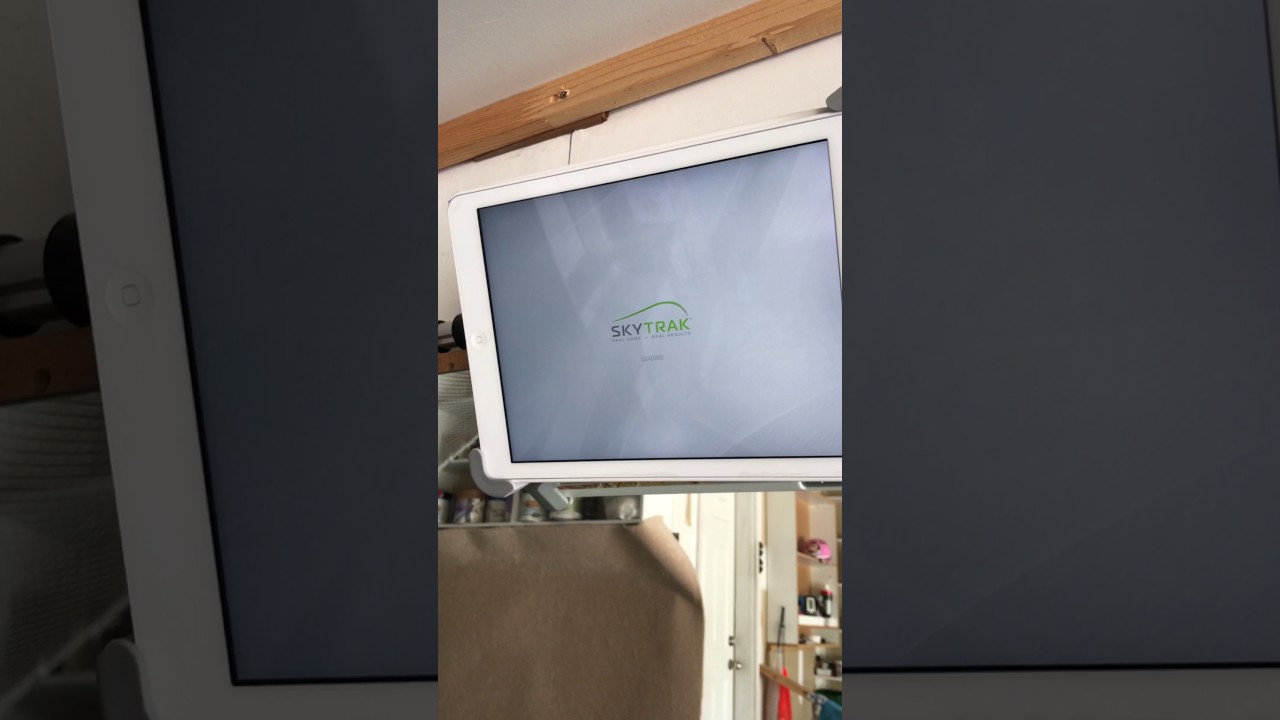
              Unfortunately, the SkyTrak App 2.6.2 crash again this afternoon after 70+ shots. I took a video shows how it crashed. And now, it crashes again and again after every shot. I think I need to remove and reinstall it again for now.

              P.S. I tried to clear App cache, but no help. It still crashes after every shot. (How to clear APP's cache: 1. Open the App you want, 2. Hold "POWER" button for few seconds until power screen appears, 3. Hold "HOME" button for few seconds until the APP closed)
               
              Last edited by David Shen; 05-29-2017, 02:57 PM.
              Toronto Courses I published in TGC 2019 & PGA 2K21:
              DiamondBack GC
              St. Andrews Valley GC
              Cardinal West Wing Lidar
              Cardinal East Wing Lidar
              King's Riding GC Lidar
              King Valley GC Lidar
              Bond Head South Lidar
              Bond Head North Li V2
              RedCrest Lidar
              Cherry Downs GC Lidar V1
              Copper Creek GC Lidar V2
              Eagle Nest GC Lidar V1
              Glen Abbey Lidar V1
              Lionhead Legends Lidar V1
              Angus Glen South GC Lidar V1
              Angus Glen North GC Lidar V1
              Upper Unionville GC Lidar V3
              Upland GC Lidar V2
              Richmond Hill GC Lidar V2

              Comment


              • doublebogey
                doublebogey commented
                Editing a comment
                What kind of case is it you got there on your SkyTrak?

              • David Shen
                David Shen commented
                Editing a comment
                Hello DoubleBogey, It's a homemade case, the cost is about 3 dollars. Because the SkyTrak didn't sell their case in Canada two years ago, I have to make a case by myself. I made it with a piece of foam floor mat and paper glue.

              • doublebogey
                doublebogey commented
                Editing a comment
                Looks pretty good =)

            • #22
              My SkyTrak crashed twice yesterday. Again the only fix was reinstall. It's obvious an issue that more than one users are having.

              Comment


              • #23
                Wasn't 2.6.3 released not to long ago to correct all these errors.

                Comment


                • #24
                  Need to remove & install again everyday.
                  Toronto Courses I published in TGC 2019 & PGA 2K21:
                  DiamondBack GC
                  St. Andrews Valley GC
                  Cardinal West Wing Lidar
                  Cardinal East Wing Lidar
                  King's Riding GC Lidar
                  King Valley GC Lidar
                  Bond Head South Lidar
                  Bond Head North Li V2
                  RedCrest Lidar
                  Cherry Downs GC Lidar V1
                  Copper Creek GC Lidar V2
                  Eagle Nest GC Lidar V1
                  Glen Abbey Lidar V1
                  Lionhead Legends Lidar V1
                  Angus Glen South GC Lidar V1
                  Angus Glen North GC Lidar V1
                  Upper Unionville GC Lidar V3
                  Upland GC Lidar V2
                  Richmond Hill GC Lidar V2

                  Comment


                  • #25
                    Guys, cannot thank you enough for your help on this issue. From the other thread dedicated to the crash issue, we were able to gather enough information to find the problem. We will be submitting to Apple again today or tomorrow. Will keep you informed.

                    Comment

                    Working...
                    X