
Can someone assist with the easiest method to connect my Skytrak to TGC without using the usb cable? I searched everywhere without finding a difinitive solution. Ethernet to my laptop in the garage is not an option so wifi must be used. I read I could buy a wifi dongle but not sure what that accomplishes as wifi is built into laptop and I am connected to my internet via laptop through that method. If I use TGC interface it tells me to plug in my Skytrak via usb to find it. Any help here would be awesome. Sorry I feel I am pretty tech savvy but still some of this is beyond me.
-
Last edited by Underdog6; 07-22-2017, 05:45 PM. -
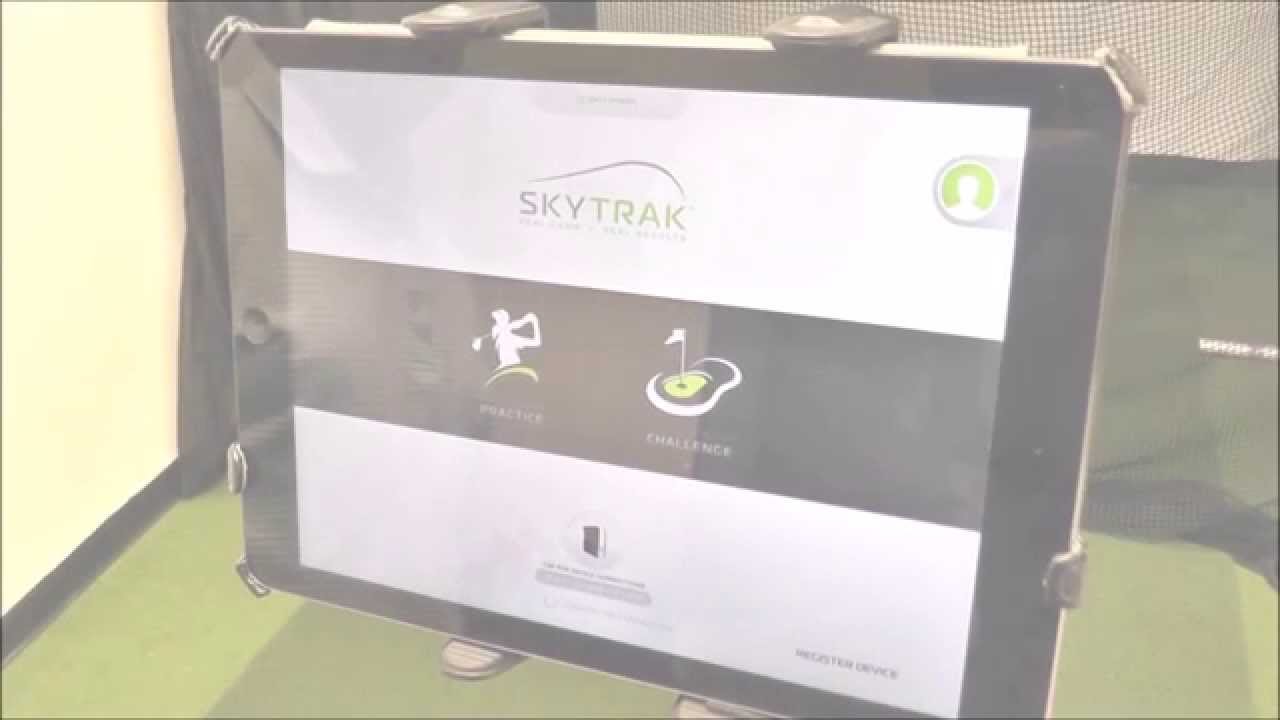
Setup your SkyTrak in Network Mode.
-
Sorry but I'm not really sure how this helps. I have already seen this video on a previous post but connecting the sky trak to the golf club game does not even go through the sky trak app. My skytrak is already in network mode when I go to try to connect to the Golf Club game but the Skytrak Golf Club interface still request for me to connect via USB mode....Comment
-
If the SkyTrak is in Network Mode and your WIFI network is OK, then the TGC for SkyTrak interface should be able to find it when you click on CONNECT BOX.
When you start the SkyTrak Box the middle LED should flash YELLOW, and turn to SOLID YELLOW when its connected to your WIFI.
Make sure the SkyTrak app is not running at the same time.Comment
-
Ok, so open the skytrak app and connect the skytrak via network mode, then close the app and try connecting through the golf club interface where it says connect box? No additional wifi dongle or anything else needed?Comment
-
Ok. Followed the video by ProTee United. Ran the app and connected my Skytrak in Network mode. Closed the app. Opened TGC Interface and hit connect box. First time box did not connect. Tried it a second time and it worked and connected. Ran the game flawlessly with zero misreads and had a blast. Finally excited to be using the product for the first time since I started this project.Comment
-
Good news! Keep in mind that once you configured your SkyTrak to run in Network Mode, you do not have to do this again.
Just start the TGC for SkyTrak interface, click connect box and play the game.Comment
Comment