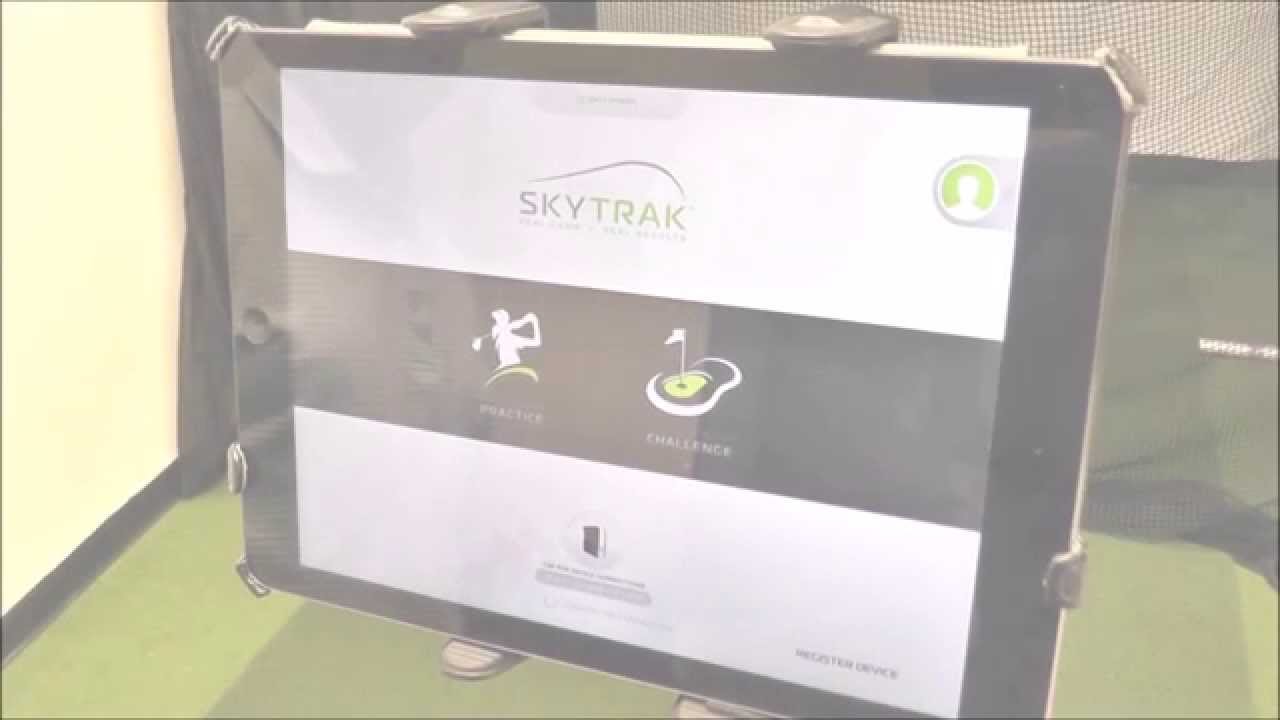
I've had my setup for 2 full days. NEWBY here. The first day I had no issues getting TGC finding the SkyTrak it worked flawlessly. Day two not so much. I did fire up the SkyTrak app and practiced a bit before attempting to use TGC, I'm very tech savvy but it was really getting to me. I finally just powered everything down, reset the SkyTrak with paperclip. I then open SkyTrak software in Direct Mode waited a couple of minutes. then proceeded to Network Mode... Then I opened TGC for SkyTrak Interface... finally got it to see the Box... I literally spent over an hour messing with it before I got it connected and working. Is there a check list (guide line) that has these steps spelled out? I spent a fair amount of time at the Interface plugging the Skytrak into the PC via USB and it would disconnect every time I pulled the cord out, meaning I would lose my Network (I swear the very first time I did have it plugged in and when I moved it into location it stayed connected). Thanks in advance! -- BTW I love TGC's sarcastic voice when I'm in the rough! it is awesome :-)
- Golf Simulator Forum is the center point for discussion on golf simulator products, brands, manufacturers, launch monitors and everything else related to golf simulation.
If this is your first visit, be sure to check out the FAQ by clicking the link above. You may have to register before you can post: click the register link above to proceed. To start viewing messages, select the forum that you want to visit from the selection below.
Comment