
Not sure if this has been reported but the Club Head Speed in Skytrak is not the same in Skygolf 360. Please see the attached screenshots
-
Seth,
Not sure if this has been reported but the Club Head Speed in Skytrak is not the same in Skygolf 360. Please see the attached screenshots
-
So I guess I'm confused a little bit...but I'm sure you guys can straighten it all out here...
I have a Skytrak with the game improvement package. I also have TGC.
I was looking into this stuff about club data/tracking to use with the Skytrak. Sounds like there are basically two choices, right? SkyPro and R Motion.
So SkyPro works with the Skytrak? And R Motion works with TGC? But neither works with both? Is that accurate?
Also, sounds like right now the SkyPro is only importing club speed into Skytrak (but the intention is to import more data into future Skytrak software releases?)
And R Motion is supposedly going to be integrated into Skytrak sometime in the future?
Is SkyPro supposed to be integrated into TGC ever?
*****
Sorry for all the questions...please let me know if I've screwed up any of that info.
Also, given all of this information, what are people's opinions of the two different club tracking options? Is one generally considered better than the other by users?
Thanks!
Comment
-
How do you get to fairway mode. I can’t seem to find it on my iPad.Comment
-
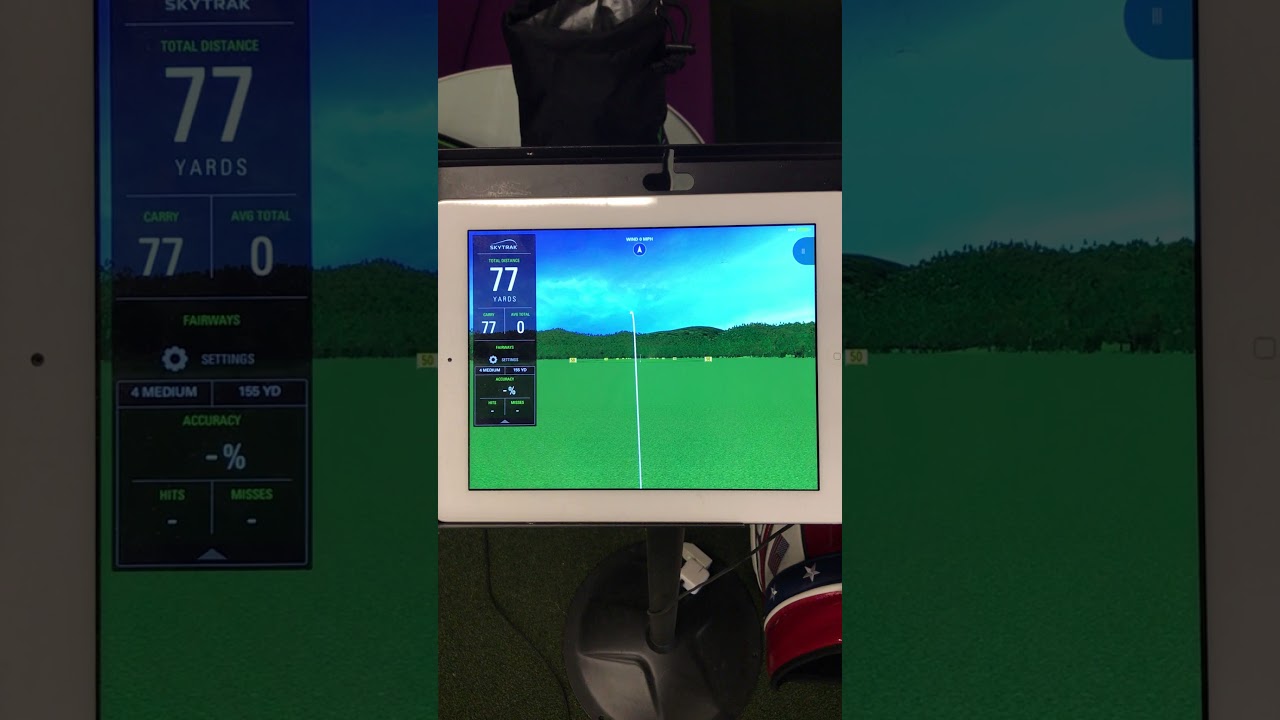
Hey everyone. I'm new here but this is an awesome forum and really appreciate SkytTrak_Seth being so responsive. I'm really enjoying the new 3.1 update but have definitely run into issues with the fairway mode. Shot tracking/frame rate stutter to the point of un-usability in this mode. When I switch back to regular range practice, everything is fine, but Fairway mode is a disaster for me. Video showing what happens is included.
I do have my SkyTrak hooked up to a pretty old iPad but given that everything else works fine, I figure this might be some kind of bug? Anyone else seeing an issue like this?Comment
-
can you please add shot height onto the main page for the driving range and add an option for it to be in feet.Comment
-
great thank you!Comment




Comment