Announcement

Collapse
No announcement yet.

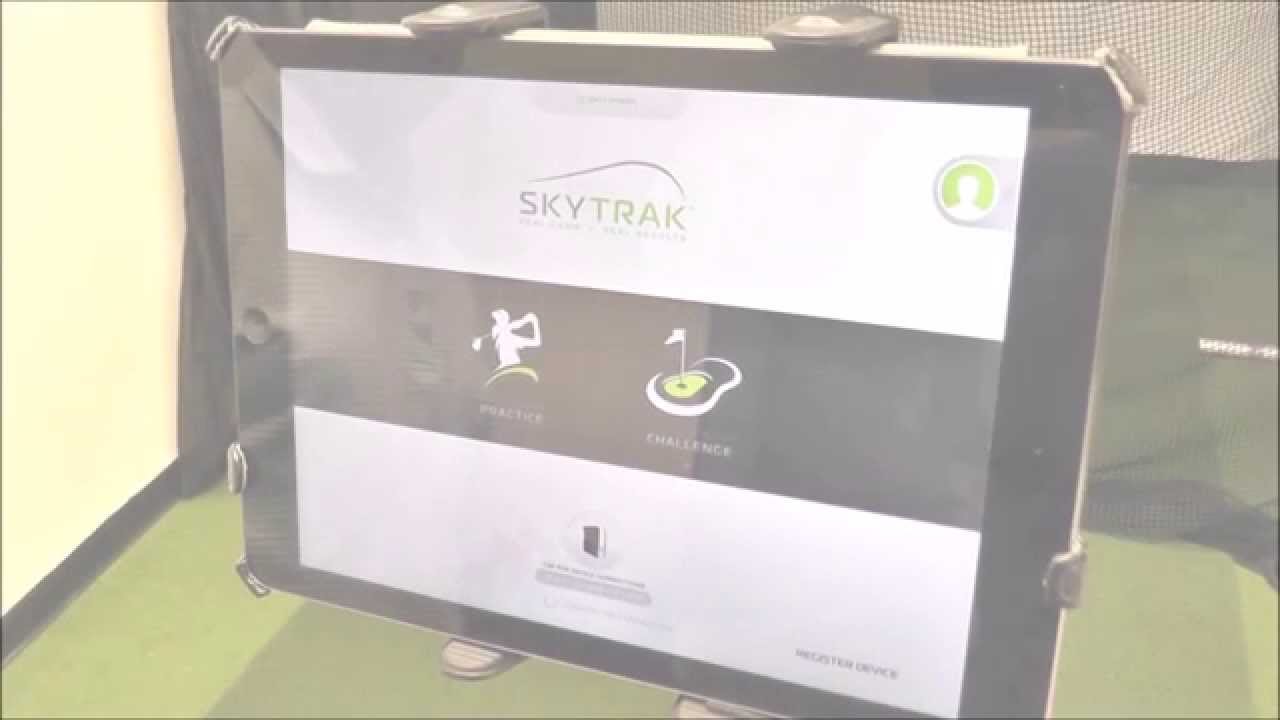
SkyTrak v2.5.1 Official Release for PC and iOS

Collapse
X
 
  • Filter
  • Time
  • Show
Clear All
new posts

  • SkyTrak v2.5.1 Official Release for PC and iOS

    Hey all,

    We are now live! Not a whole lot changed from the pre-release I posted a couple weeks back except for a few clean-up items. Hope you enjoy!

    - Game Improvement module added to the main dashboard - featuring the brand new Skills Assessment
    - Added 4 new data parameters to Shot History: Max Height, Angle of Descent, Flight Time, and PTI (Smash Factor)
    - Added new ‘Dynamic Handicap’ scoring system within Skills Assessment
    - Slight adjustment to 45 degree camera view to now include entire ball flight
    - Added quick ‘Return To Range’ button for all menus
    - Improved carry distances for low launch/low spin shots
    - Database refactoring
    - Numerous bug fixes and behind-the-scenes work.

    It has been released in the App Store.

    Here is the PC download link: http://downloads.skygolf.com/Softwar...ytrakSetup.exe


  • #16
    Originally posted by Drlyssy View Post
    Installed the new update and now everytime I open the app it works fine but when I select the practice or skills challenge, etc, it attempts to load and then right before the range screen loads, the app crashes. Every time. Skytrak still working fine in WGT mode.

    Reset eat my phone, deleted app, reinstalled it, everything.

    Anyone have this issue? Anyone have suggestions?

    it worked flawlessly on my iPhone before the update.

    Having the same issues with my iPad Pro. Please confirm this is a know issue with the pro as well??

    Called customer service, was told to do the same things I already did several times....reset Skytrak, uninstall and reinstall. I'm being told I have to send my Skytrak in to have it checked out. BS. It works fine on my iPhone 6s...old version app.
    Last edited by N54TT; 09-01-2016, 05:53 PM.

    Comment


    • SkyTrak_Seth
      SkyTrak_Seth commented
      Editing a comment
      It is related to the bug mentioned in the crash thread. It has something to do with the rendering on that chip. Like I mentioned in the other thread, just send me a PM if you need to get the iPad Pro back to v2.4.2 for the weekend. I'm very sorry for the troubles.

  • #17
    Originally posted by pdxkurt
    Awesome, just finished my first skills assessment. So glad to see that feature added. However, not sure if I'm just off my game today or the estimated handicap is too aggressive, but it came back with about a 8.5 estimated handicap and I play to a 1 handicap. I did have a couple of miss-reads that ended up missing the green (before I realized you can delete the previous shot). Other than that the only green I missed was from 250 yards. I'll play around with it some more and see if I can bring that down to a number I recognize.
    If you can get that to a 1 you will become a + hdcp! My first try 9.0 and I'm a 3. What a great addition to the app.

    Sent from my SM-G930V using Tapatalk

    Comment


    • #18
      Well, since this release came out, can't connect via wifi. I can only do a direct connect. Pretty frustrating.

      Comment


      • Mike Honcho
        Mike Honcho commented
        Editing a comment
        Yes, positive. The only thing that changed is the update, so I would have to deduce that is the issue.

      • N54TT
        N54TT commented
        Editing a comment
        I was having problems connecting via wifi as well....but I was also having the crashing problem on my iPad Pro. Will try and see if I can still connect to wifi on my iPhone 6s with previous version of the app.

      • N54TT
        N54TT commented
        Editing a comment
        Update: even with the latest buggy software on my iPad Pro that crashes....I can still connect via wifi

    • #19

      Comment


      • SkyTrak_Seth
        SkyTrak_Seth commented
        Editing a comment
        And is everything in your weather conditions set to default?

      • wbond
        wbond commented
        Editing a comment
        I didn't know we had a "Hurricane" setting in the weather conditions!! JK. I think i play with some guys who have shots like this!

      • Dan McWhirter
        Dan McWhirter commented
        Editing a comment
        I don't know about reproducing this. I did get one other weird result where the ball flight was high up, about fifteen yards out, but then took an exponential dive to the ground, leveled out, still flying, then stopped on a dime about a foot from the hole at 29 yards.

    • #20
      hahahaha this one definitely made me laugh. That's hilarious

      Comment


      • #21
        Originally posted by SkyTrak
        Oops, I stand corrected - it was Twitter (it got passed along to me). If it's ok, we can just deal with it here so that others can benefit from the resolution. Checking the logs now.
        Any word on fixes for my crashing problem? Still stuck .

        Comment


        • SkyTrak_Seth
          SkyTrak_Seth commented
          Editing a comment
          Yep, check that thread, but I've sent you a PM already.

      • #22
        After the new update on iPad pro, whenever I have target or closest to pin (haven't tried other modes), the app freezes mid-ballflight. Every time. I have a phone video of the iPad screen I can send. The lower left corner of the screen gets pixelated, and then the app just crashes altogether.

        Comment


        • SkyTrak_Seth
          SkyTrak_Seth commented
          Editing a comment
          I've sent a PM with promo code

        • Monovision
          Monovision commented
          Editing a comment
          Thanks, I'll try that when I am next able.

        • Monovision
          Monovision commented
          Editing a comment
          Fixed it with the newer .2 update. Thanks!

      • #23
        PC version is ok. About the only thing I have experienced is an increase in missed shots. Previous version, I hardly had any missed shots. But in the last few practice sessions I've had, I've had between 5 and 10 missed shots. Compared to maybe 2 or 3 before updating. Nothing has changed in my indoor practice area, lighting is the same etc.

        Comment


        • #24
          Just got my Skytrak setup this weekend and played my first practice and TGC rounds. Had a blast! I did notice in TGC though today that I had plenty of unregistered shots. Maybe about 1 in 10 or 15. I read that WiFi mode might increase reliability, but I can't seem to get the unit to connect in WiFi mode. I connect via USB, then configure the WiFi, then when I remove the USB I lose connection. Am I doing something wrong or is this the same issue some of the folks above are referring to?

          Comment


          • Sledge0001
            Sledge0001 commented
            Editing a comment
            You maybe unplugging the USB too early. Wait until there are 2 seconds left on the counter when configuring Wifi.

        • #25
          adstotz You either connect SkyTrak/TGC with USB or WIFI. You can not switch when its already connected. Configure the ST to use WIFI (network mode), remove the USB cable and run the TGC for ST interface. Connect Box will then find your SkyTrak on your WIFI network (IF configured correctly)....

          Comment


          • #26
            I think I fixed my problem. Thanks for the suggestions. It seemed to be my computer connected to my routers 2g network and my Skytrak being on the 5g. Once I put my Skytrak on the 2g it seemed to connect OK. Does Skytrak support 5g WiFi?

            Comment


            • ProTee United
              ProTee United commented
              Editing a comment
              SkyTrak will not work on 5G WIFI.

          • #27
            I've updated and did a quick test on my iPad Pro. Good news is that it doesn't crash when choosing... Practice, challenges, or game improvement anymore.
            BAD news is that it seems buggy. Couple of the bugs I saw in just the short session I had were:
            1) I'm now getting the battery critically low warning..even when it's fully charged. One time I would keep getting the warning and then it wouldn't connect. I had to shut down the Skytrak, turn it back on, it would connect and show well more than 50% charge.
            2) After choosing practice and hitting a couple practice green shots, it was stuck on the practice screen....I couldn't end the session. The tab on the top right wouldn't respond. Had to restart the app.
            3) sync doesn't seem to load my older sessions. Only the session from today is showing.
            4) maybe not related to this version app as it was happening on the older version on my 6s.....initially had problems logging into my user account.
            Last edited by N54TT; 09-07-2016, 05:06 PM.

            Comment


            • #28
              Let's move discussion over to the 6s thread...

              Comment

              Working...
              X