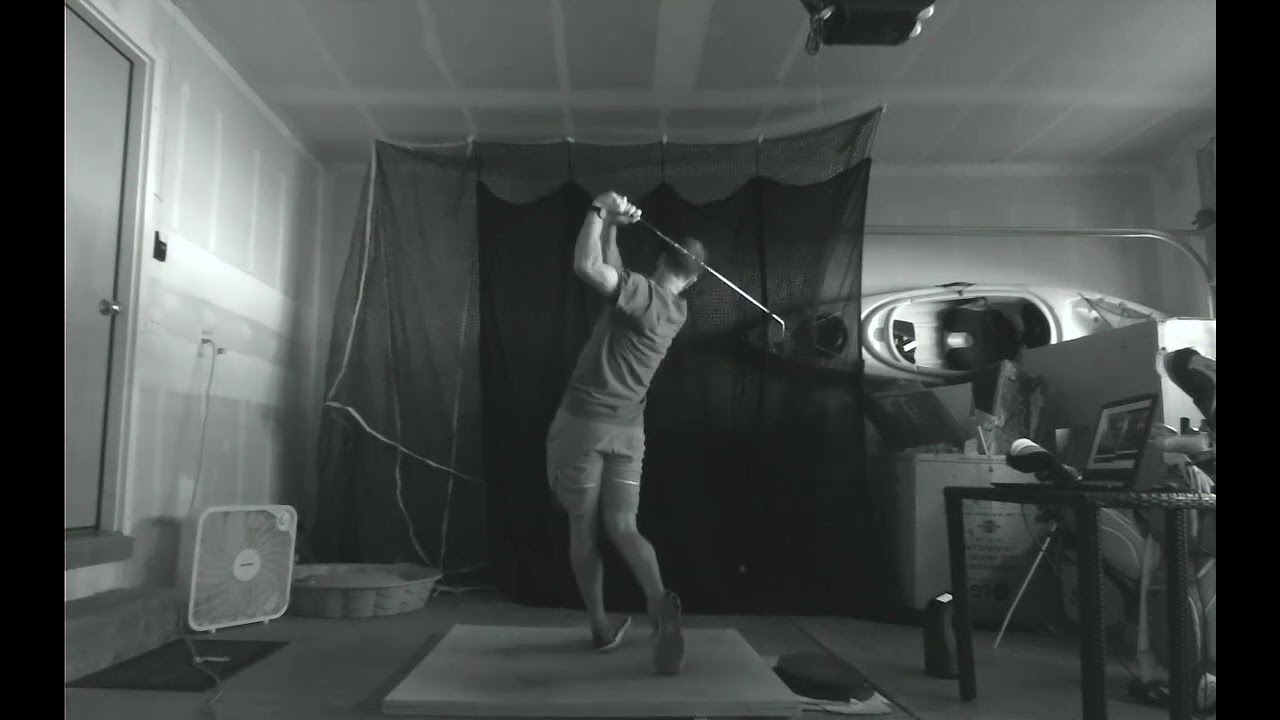
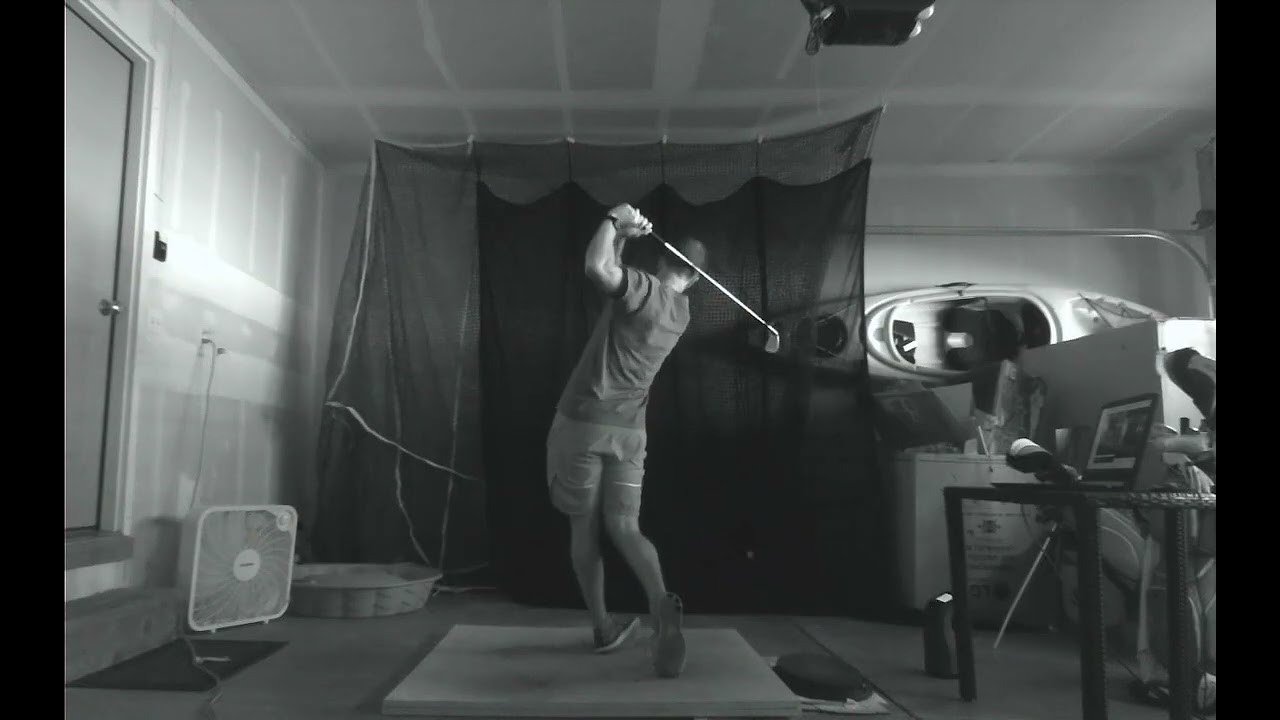
automatic swing recording and slow motion playback with kinovea

Collapse
X
 
  • Time
  • Show
Clear All
new posts
  • pathfindr
    Member
    • Dec 2019
    • 44

    #151
    LED lights for high speed recording without flickering.

    I was replying to an old post but couldn't attach any picture. So I decided to make a new post in case the info may be helpful to folks.

    Tested many LED lights. The LED lights I am using for my setup are 2 of this 300W LED 42000LM https://www.amazon.com/gp/product/B07XG37F14
    It has a constant current LED driver (See attached picture.) and won't cause flickering when recording at 120fps or higher. (Most LED lights cycle on/off to save energy but will cause flickering.).
    It's also UL Listed.

    The picture is from a 2FT unit (https://www.amazon.com/Hykolity-Indu.../dp/B071R1Y4VM) that I just got but I think 4FT has a similar driver.

    The beam angle is 120 degrees. I have to put black plastic (black garbage bags work great) around the lights to focus the light down and avoid washing out the projector screen.

    Hope this info is helpful.
    Last edited by pathfindr; 01-02-2021, 01:34 AM.

    Comment


    • kirkemg
      kirkemg commented
      Editing a comment
      how do you attached the black garbage bags to the light structure? Does the heat pose any issues with plastic bags? thanks

    • pathfindr
      pathfindr commented
      Editing a comment
      No issues. I taped the plastic bags to the side of the light. I just received a message from someone who just purchased the light and experienced flickering. They might have changed the component or design of that light. It appears it's no longer non-flickering. You may want to look at some other lights instead. I have since switched to a new track based light when I moved my setup from garage to inside in Dec 2021. see this link https://gunghogolf.com/articles/indo...video-lighting

      Also see my other post about my new light setup https://golfsimulatorforum.com/forum...071#post372071
  • solta
    Junior Member
    • Mar 2021
    • 1

    #152
    Hello everyone,
    I Just got it all working, except one thing.
    I'm running two camera setup, recording at 100FPS.
    Now once the recorded video automatically plays - it plays just a bit over 1x speed, so i move the slider to desired 10 to 15%, but once it plays a next new vid the slider goes back to 1x speed. Anybody knows a workaround please?

    Only thing that helped me was recording at 330FPS - then it automatically plays at around 10%. But i like the picture resolution, exposure and all much more in 100FPS mode.
    Thanks!

    Comment


    • rastam4n
      rastam4n commented
      Editing a comment
      Did you find a solution for this?
  • rastam4n
    Junior Member
    • Dec 2021
    • 18

    #153
    joan - I cannot post on the Kinovea forum, not sure if that is by design or a bug?

    inorkuo

    Hi there, I am just leaning about Kinovea and stumbling about trying to gather as much info as I can before I start building my own 2 camera, instant slow motion playback, I just wonder if the above scripts are still needed? I only ask because OP has not updated since 2017.

    Is there a step by step for the software setup, I have not it yet?
    Thank you for all your effort, looks like there was a lot of work involved in getting this working.
    Chears
    Pete

    Comment


    • rastam4n
      rastam4n commented
      Editing a comment
      preludesam Wow, thanks so much for all this information, I think I need to get better lighting before I do much more camera adjustment. I did get the audio trigger to work, and I was able to save a work space, so I kinda see how this will work, just open 2 instances of Kinovea and select the corresponding workspaces, I wonder if there is a way to instruct Kinovea which workspace to open for each instance?
      This global shutter thing completely escaped me while I was doing research, that is a bit frustrating, but they were inexpensive enough, and I have other uses for them. Today, I took a look at global shutter cameras, it is just a bit confusing regarding which cameras will work with Kinovea. Do you have any camera suggestions that don't break the bank?

    • rastam4n
      rastam4n commented
      Editing a comment
      Okay, I have it pretty well setup except for the flickering... lighting will be next on the list.
      I have a few questions, how do you flag a video to keep or review later? I'm already using 5gb of space, so purging will need to be done daily I expect.
      There is quite a lag between when the shot is recorded to when the shot is displayed, do I just need a faster computer or is the lag caused by something else? I estimate the lag is maybe about 1 min? Maybe a bit less?

    • preludesam
      preludesam commented
      Editing a comment
      I just saw this a year latter sorry…

      If you look in the manual you can use %% in the file name. It basically tells the file system to overwrite so you don’t save every swing but you also don’t fill up a terabyte drive in one night with 100+ swings.
  • PantsParty7
    Junior Member
    • Jul 2022
    • 8

    #154
    Can someone please take a look at these videos, and tell me what's going on to cause the glitchy flickering in one of them? Is it a faulty camera or do I have something not set up right maybe? There were no differences between the setup and they were taken just a couple minutes apart. The camera is an OV9281 btw.


    Comment

    • PantsParty7
      Junior Member
      • Jul 2022
      • 8

      #155
      ...second link
       

      Comment

      • Tft
        Junior Member
        • Apr 2022
        • 3

        #156
        Hi joan I had the script set up and running well a few months ago, and then i had to put away the computer, now that I’m trying to get it going again, the preferences file for different instances seems to be the same. I can manually open the shortcuts created but they are revert back to one of the configs.
        did anything change? How can i troubleshoot this? Thanks

        Comment

        • ri3eboi
          Junior Member
          • Nov 2022
          • 13

          #157
          I recently purchased two of the OV4689 cameras, the RYS HFR USB 2.0 variant. I can get 322 fps in 640x330, however only get 33 fps for 1280x720 when it is advertised for 120fps.

          Am I out of luck? What can I do to get 120 fps?


          Comment

          Working...