Announcement

Collapse
No announcement yet.

Pics of my simulators --- SWM Indoor Golf

Collapse
X
 
  • Filter
  • Time
  • Show
Clear All
new posts

  • Pics of my simulators --- SWM Indoor Golf

    Hey guys,

    Some of you know I've been building an indoor golf center in southwest Michigan. I've uploaded an album on imgur showing the process from the start. It's been a hell of a lot of work with a lot of late nights and some 14-17 hour days. But we went from nothing to this point in 2 months! I'm now open and I can't wait for business to really get started. It's been a bit too warm and nice here for me to get much business yet. But I am getting 1-2 bookings a day at least. Anyway, check out the pics at the link below.

    The Making of SWM Indoor Golf

    EDIT: A few things to explain, the wall OSB is for the carpeted sections. The carpeting is mainly to protect the walls and to absorb some of the bounce off the walls. OSB is cheaper than drywall and tougher so it's perfect for being in the potential impact zone. Drywall was used for the rest of the walls mainly for looks. Once we add the trim on it will all look much cleaner and nicer.
    Last edited by Maverick; 10-25-2014, 10:36 PM.

  • #16
    I'm in St. Joseph, MI on the southern side of the state.

    Originally posted by DougieMn View Post
    Very impressive facility!!!! Locals are lucky to have such a place to play. How did you mount your impact screens? I finished framing walls and started wiring my little project and am looking ahead of how to mount the screen and if I need to do anything special before the drywallers show up.
    I used angle iron screwed into the walls like most simulators use to mount the screens. You'll want to be sure you secure the angle iron to the wall studs on each side. Drywall won't support it of course. The impact screens are attached to the angle iron with 1' bungee cords. I bought my impact screens and netting from Par2Pro. If you get your's from there they'll send you a diagram showing how to mount everything.
    Last edited by Richard_Askren; 12-14-2014, 04:06 PM.

    Comment


    • #17
      My wall is 18' wide where the impact screen will be going. Wondering if I should make the screen that wide in order to hide the bungees or come up with some other way of mounting side walls. Also, my vaulted ceiling might be a problem.

      A piped enclosure looks better all along, I've been trying to hook up with par2pro guys for the last few days but we keep missing each other.

      Thanks for the info!

      Comment


      • #18
        I'd make the screen as big as possible. I made my hitting bays 16' wide with 15' wide screens. So the image is 8.5' h x 15' w on my simulators. You could make your's 10' h x 17' w for the image and screen size. Since you have vaulted ceilings you'll probably want an overhead net for catching the balls, too. Par2Pro can build that into your impact screen set-up.

        Comment


        • #19
          Got a new pic to show. I finally finished up the computer cabinets and installed the doors. I added some lamps, too. Nice to have a little bit of light in here without it affecting the projection at all.

          Last edited by Richard_Askren; 01-21-2015, 09:32 PM.

          Comment


          • #20
            I
            Originally posted by Richard_Askren View Post
            Got a new pic to show. I finally finished up the computer cabinets and installed the doors. I added some lamps, too. Nice to have a little bit of light in here without it affecting the projection at all.

            Looks great! Has business picked up for you?

            Comment


            • #21
              Yeah, it's going pretty good so far. There are actually a few golfers in the 3rd sim down in this pic. Last Saturday was my busiest day yet. I had all 4 sims booked from 9:30am to 10:30pm.

              Comment


              • #22
                Richard, your SIM Build looks awesome! Do you serve drinks there too? Gotta have a cold one playing golf Another thing you could do is host Closest to Pin and Longest Drive Contest. People pay $10 bucks to enter and then can win prizes. Hosting these each month will really create some interest and generate new customers. Also offer to rent out sim rooms to watch sports games.
                Once everybody in your area knows about this place you are gonna be packed all the time! Especially winter time!

                Great job!

                Comment


                • #23
                  Thanks, Mike. I've been doing all of those things except Closest to Pin or Long Drive contests yet. I'll have to give it a try. I don't server drinks yet since I don't have a liquor license, but I do let customers bring their own in. Haven't had anyone rent out sims to watch any games yet, but there's been some interest. Too bad nobody around here really cares about the teams playing in this year's Super Bowl.

                  Comment


                  • #24
                    Originally posted by Richard_Askren View Post
                    Yeah, it's going pretty good so far. There are actually a few golfers in the 3rd sim down in this pic. Last Saturday was my busiest day yet. I had all 4 sims booked from 9:30am to 10:30pm.
                    That's great! I have a client up in St. Joe's so if I ever make it up there, I'll be sure to play a round there. As far as the Super Bowl goes, throw a special out there to clients coming in this week... 2 hours for the price of one... 3rd hour half off. Fill it up if it's going to sit empty otherwise. Write off the difference as promotional costs for the taxes. Just a thought.

                    Comment


                    • #25
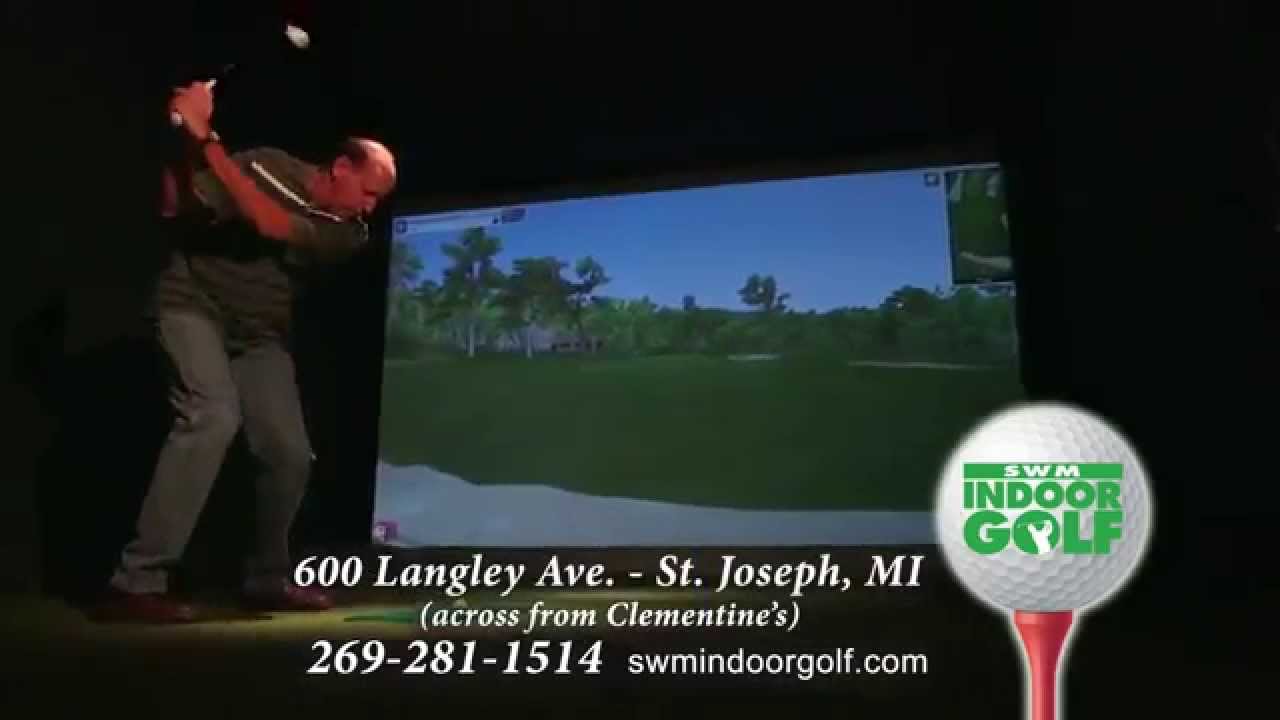
                      Figured I'd share. Just received the finished commercial for my business. This is the first commercial I've ever had made.

                      Comment


                      • #26
                        Nice! That's gotta have you feeling pretty good Richard!

                        Comment

                        Working...
                        X