Golf Simulator Forum is the center point for discussion on golf simulator products, brands, manufacturers, launch monitors and everything else related to golf simulation.
If this is your first visit, be sure to
check out the FAQ by clicking the
link above. You may have to register
before you can post: click the register link above to proceed. To start viewing messages,
select the forum that you want to visit from the selection below.
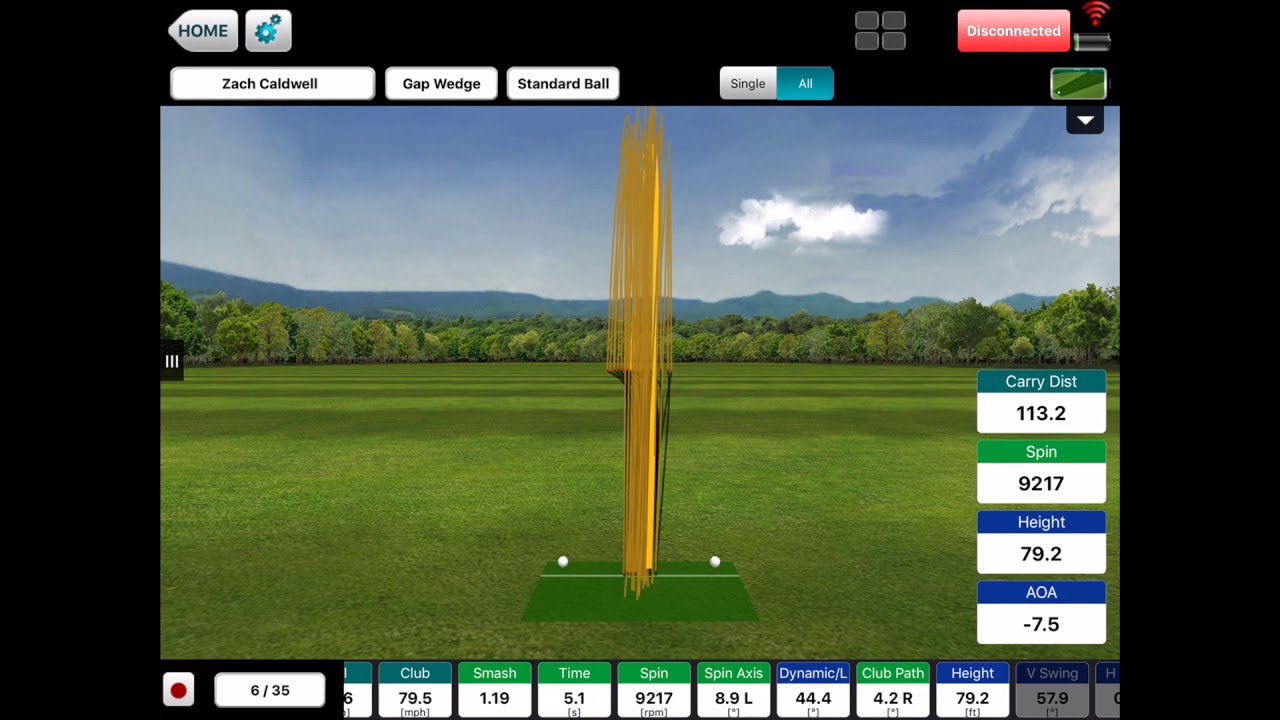
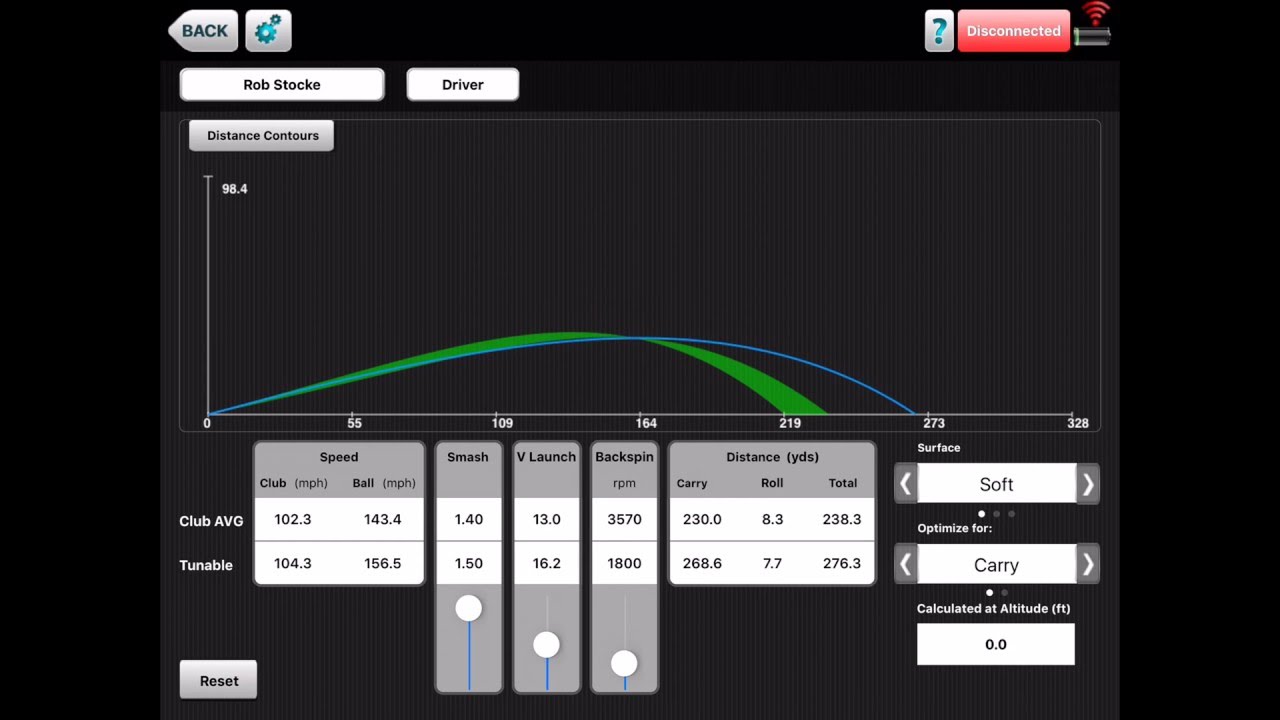
I have a flightscope Xi. I am never able to set "Show Measured Data" option to ON. Whenever I set it to ON and go back to the session, it automatically switches to OFF whenever I come back to settings again. As a result my tracer is always yellow line and not red line. However, in the Skills app, I can set the "Show Measured Data" option to ON and it keeps ON and my tracer shows last part of the flight as red.
Has anyone come across this issue before? Running the latest app and FW.
I have a flightscope Xi. I am never able to set "Show Measured Data" option to ON. Whenever I set it to ON and go back to the session, it automatically switches to OFF whenever I come back to settings again. As a result my tracer is always yellow line and not red line. However, in the Skills app, I can set the "Show Measured Data" option to ON and it keeps ON and my tracer shows last part of the flight as red.
Has anyone come across this issue before? Running the latest app and FW.
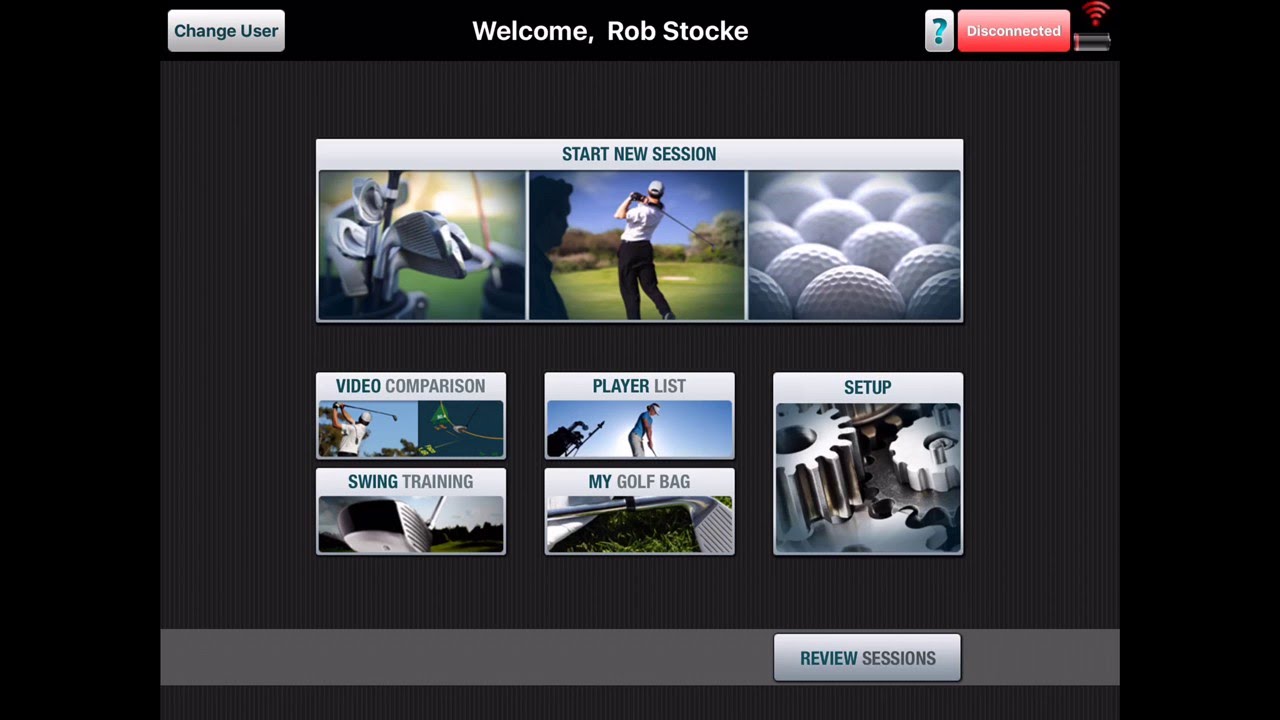
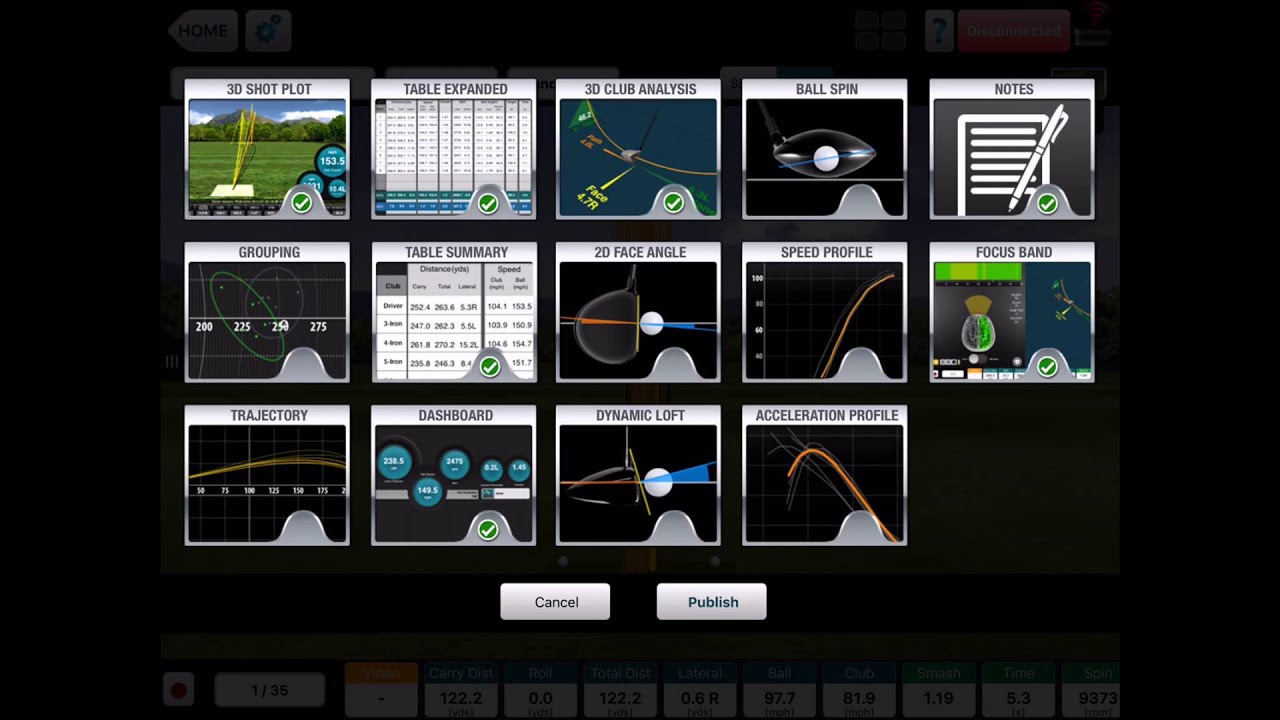
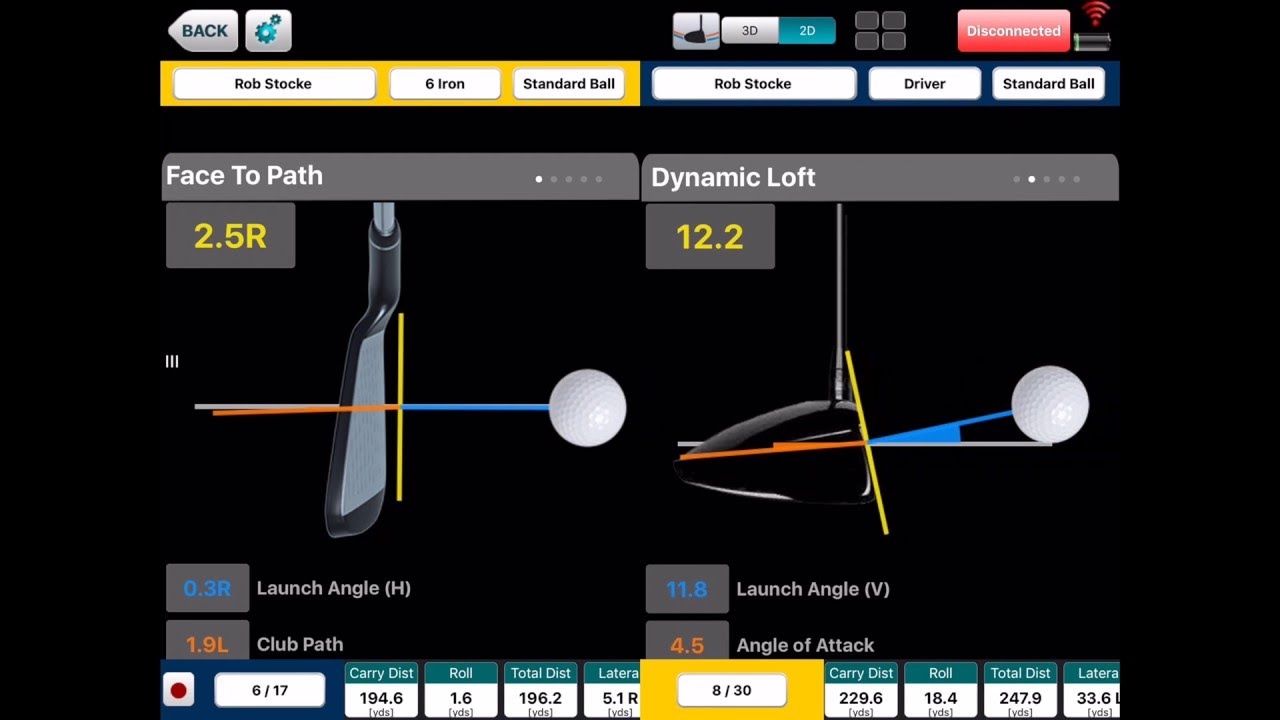
I have an Xi as well. I have not tried the VX app yet. I have only used the skills app. Are there functions in the VX app that are not in the skills app?
Have you been able to gap your clubs? Which app did you use?



Comment