Announcement

Collapse
No announcement yet.

VX app tutorials

Collapse
X
 
  • Filter
  • Time
  • Show
Clear All
new posts

  • VX app tutorials

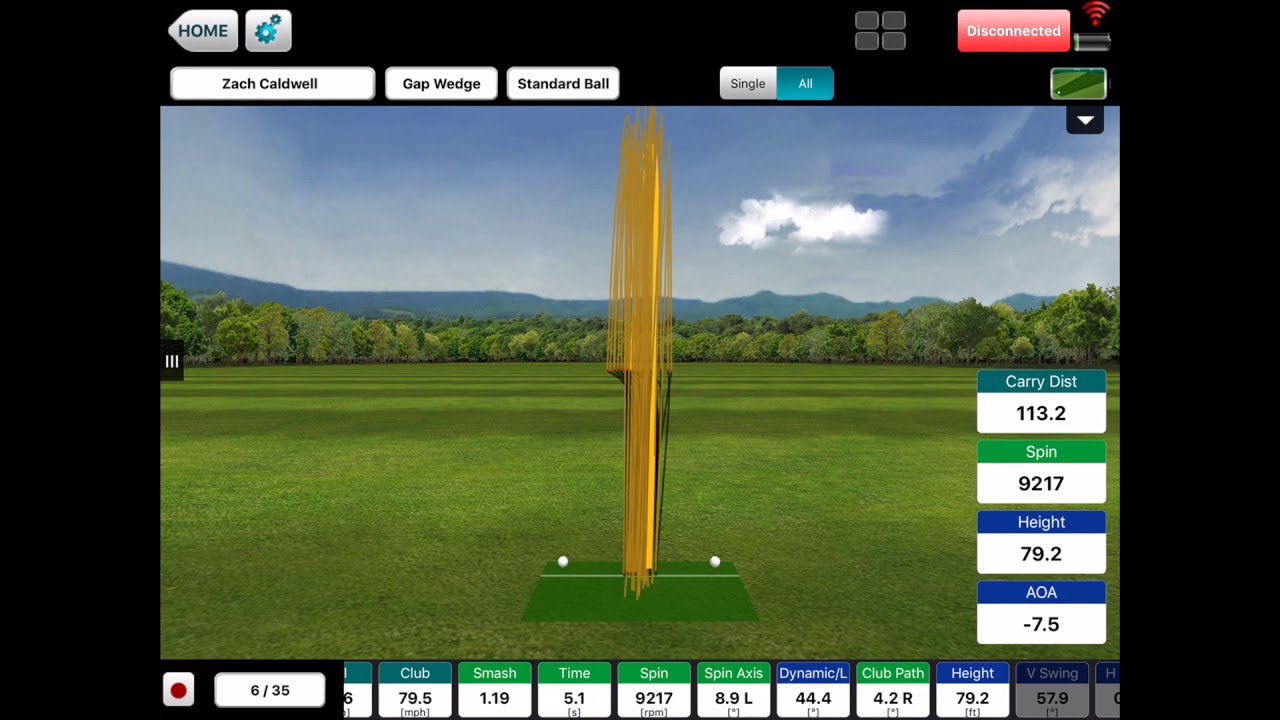
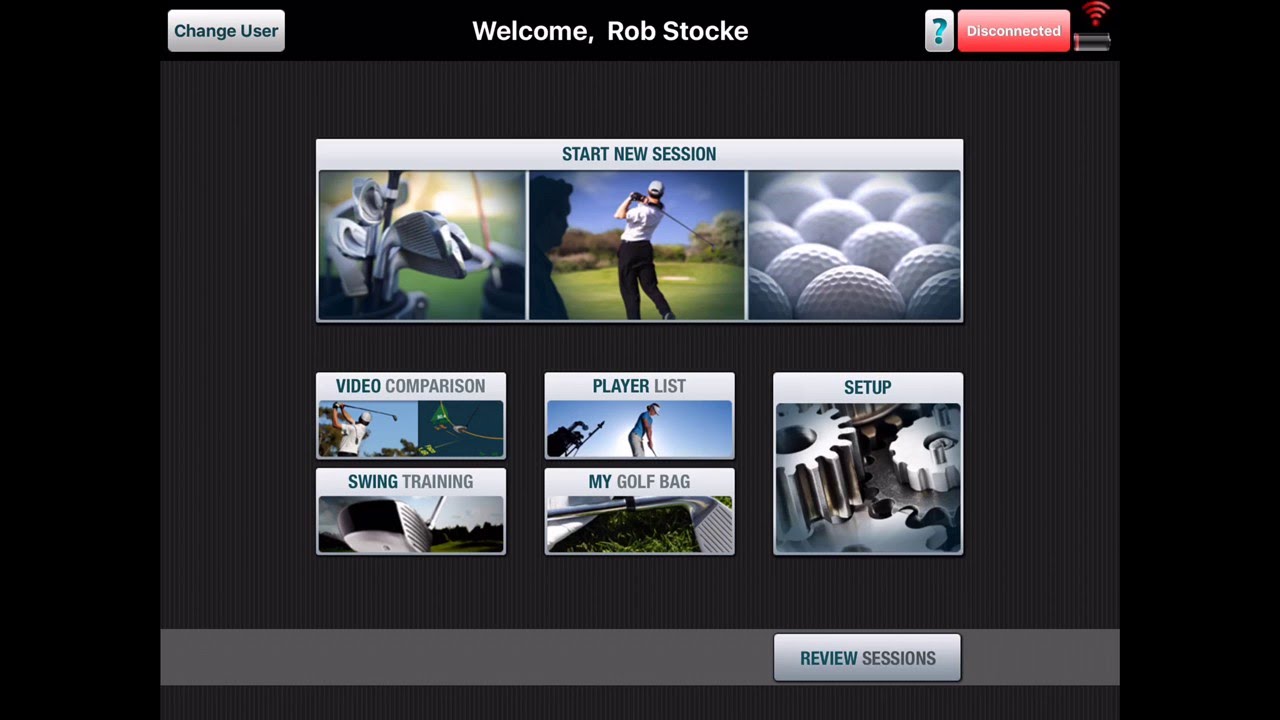
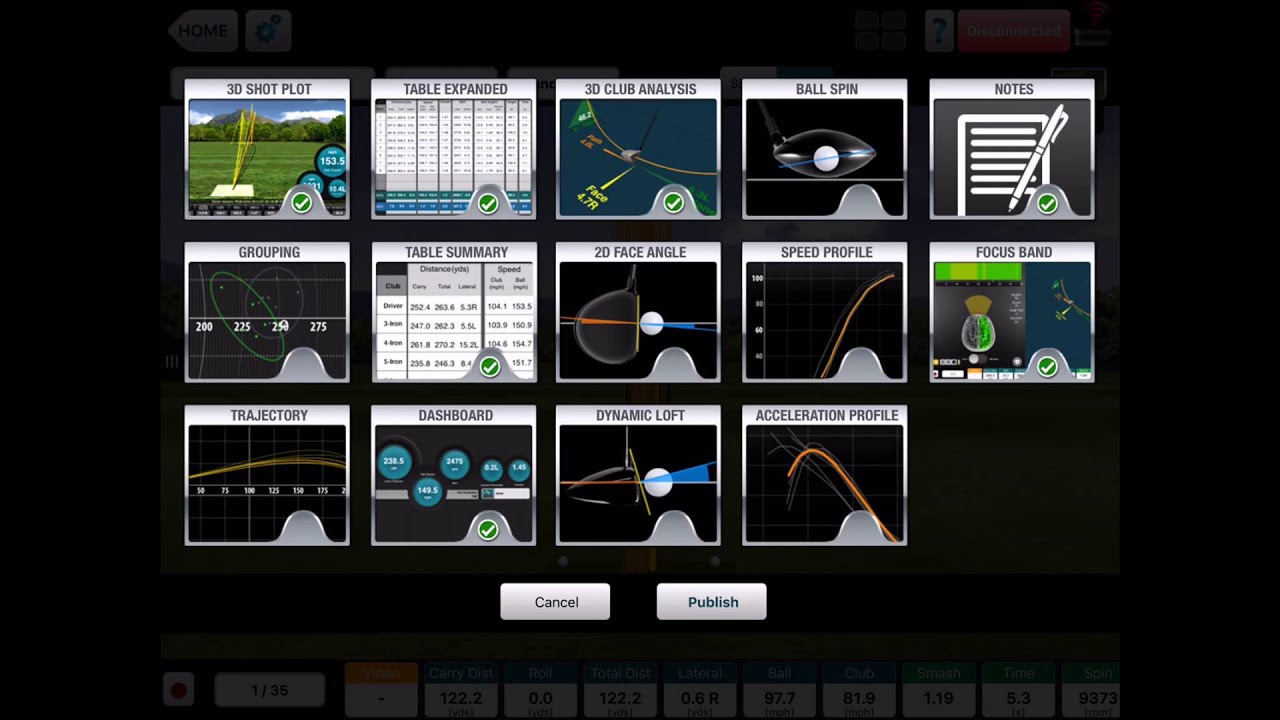
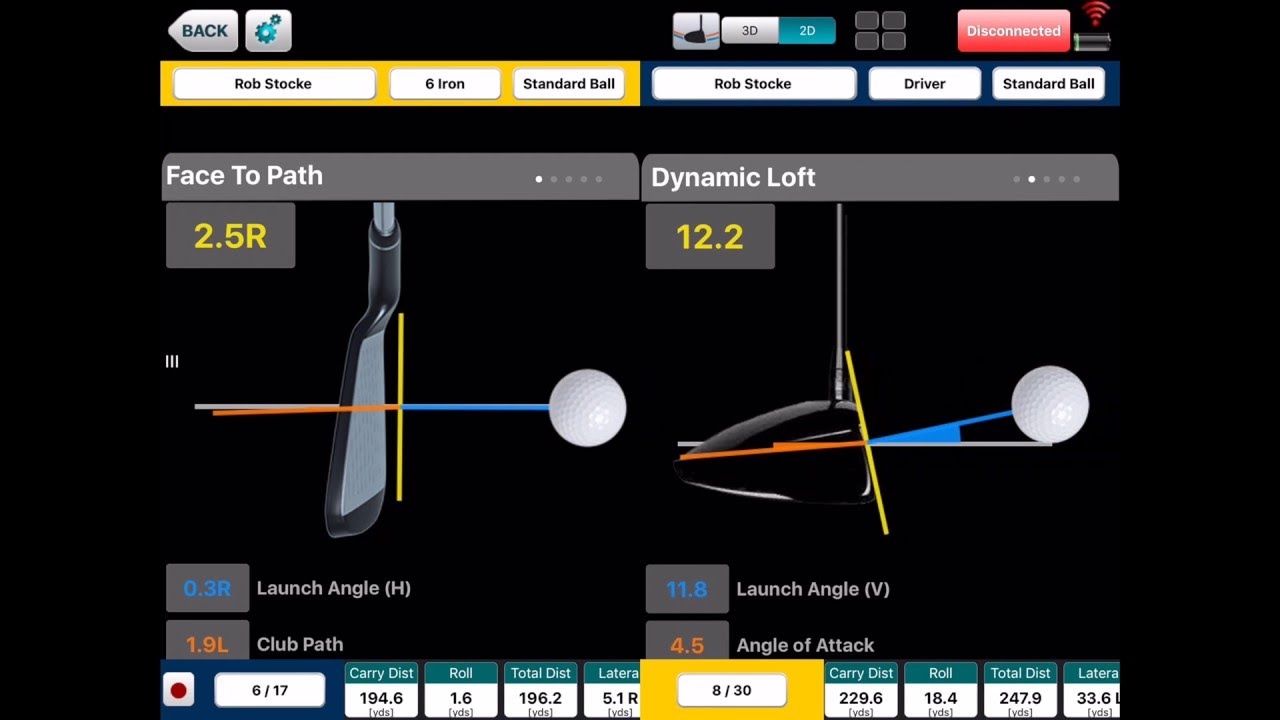
    Check this out for overview tutorials of new VX app from Flightscope.


  • #2
    Is there a vx version for a i phone 6 +?


    Sent from my iPad using Tapatalk

    Comment


    • #3
      I have a flightscope Xi. I am never able to set "Show Measured Data" option to ON. Whenever I set it to ON and go back to the session, it automatically switches to OFF whenever I come back to settings again. As a result my tracer is always yellow line and not red line. However, in the Skills app, I can set the "Show Measured Data" option to ON and it keeps ON and my tracer shows last part of the flight as red.

      Has anyone come across this issue before? Running the latest app and FW.

      Comment


      • #4
        Once you add the data boards to the side how do you delete them? I tried pulling them off with no luck


        Sent from my iPhone using Tapatalk

        Comment


        • #5
          Slide to the right to remove them

          Comment


          • #6
            Originally posted by hbfa16 View Post
            I have a flightscope Xi. I am never able to set "Show Measured Data" option to ON. Whenever I set it to ON and go back to the session, it automatically switches to OFF whenever I come back to settings again. As a result my tracer is always yellow line and not red line. However, in the Skills app, I can set the "Show Measured Data" option to ON and it keeps ON and my tracer shows last part of the flight as red.

            Has anyone come across this issue before? Running the latest app and FW.
            I have an Xi as well. I have not tried the VX app yet. I have only used the skills app. Are there functions in the VX app that are not in the skills app?

            Have you been able to gap your clubs? Which app did you use?

            Comment


            • #7
              Yes, I use VX app to gap my clubs. VX apps helps you do that, Skills app only lets you chose between Driver, Iron and Wedge based on the distances.

              Comment


              • leek
                leek commented
                Editing a comment
                Please check your inbox

            • #8
              VX is really more for hitting a bunch of shots with different clubs and comparing results. Exactly what you want for gapping clubs.

              I wish they offered a driving range feature. Would make quick sessions with test clubs much easier.


              Sent from my iPhone using Tapatalk

              Comment


              • #9
                Goatbarn mentioned using the Skills app and setting up a custom test with 99 shots at 100 yards and using it as a driving range.

                Comment


                • #10
                  Originally posted by hbfa16 View Post
                  Slide to the right to remove them


                  Sorry to drag up an old post, but this doesn't seem to work for me, can anyone tell me if it's changed on how to remove the data slides? Thanks


                  Managed to do it, you need a single finger swipe speed in excess of your driver swing speed then they disappear

                  Comment


                  • #11
                    Can anyone tell me what the difference is between the “launch mode” and the “full swing and ball tracking mode” in the vx app? Thx!

                    Comment

                    Working...
                    X