
auto shot will just hit a shot - don't see much use in it except for texting I guess. You should be able to use the arrow keys to aim.
-
-
Totally agreeComment
-
I have two questions if anybody can help. The first is I have my Gc2 to auto connect but I have to manually do it every time. The second is I have a two camera setup but when I go to FSX live to view my session it only has one camera view. Anybody now how to switch views? TIAComment
-
Auto connect only seems to work if you are using the ethernet on Quad or Serial with GC2. It needs to be on before start FSX as well. I've notices the same thing with the cameras. I've been meaning to ask them whether they plan to upload both videos to thier performance site. I believe camera 1, if not just swap, is the one that is sent to their site. So, you can control it by making the desired camera camera 1. In the software you just select none for the camera and then add the desired ones back in the desired order. That's have I've been doing it.Comment
-

Upgrade your Open experience.
This week only, FSX owners who upgrade to our all-new
FSX 2018 simulation software will get our Open Championship Bundle for FREE (Regular Price $200).
Our Open Championship Bundle includes:
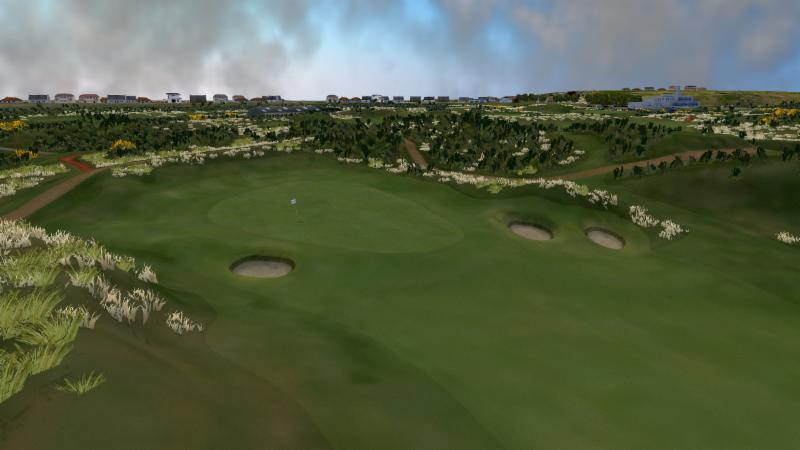
Royal Birkdale Golf Club
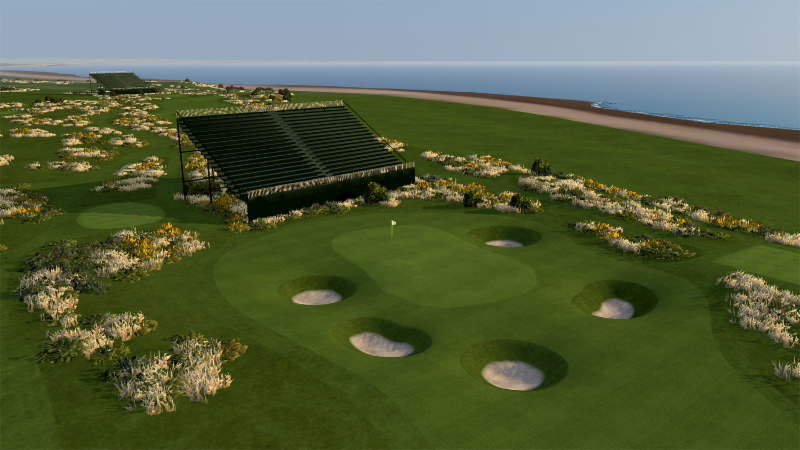
Royal Troon Golf Club
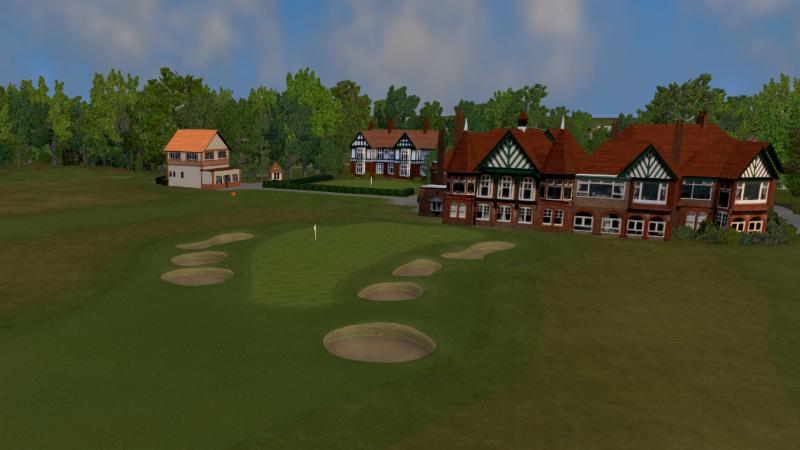
Royal Lytham & St. Annes
Just add both products to your cart, enter promo code
-- OPEN2018 --
at checkout, and get our Open Championship Bundle for free.
For those who have been waiting to upgrade - now maybe the time.Comment
-
Annoying that I upgraded 2 weeks ago - and still haven’t used it!!
I wonder why Carnoustie isn’t included in that set?
Perhaps they think they’ll sell lots of them this week?!Comment
-
Yeah, that's a bit odd. Honestly, I didn't even look that close. I just assumed it would be in the pack but nope.Comment
-
Any update on FSX 2018 App working with GC2? Would be a great add-on for the range.Comment
-
Yep, I've got it working with GC2 now.Comment
-
Excellent that GC2 works with itComment
-
Actually, I tell a lie, my iPad app is not working with the GC2. I thought I had managed to get them paired up but sadly not!Comment
-
Been told that GC2 support will come in the next FSX Mobile update which is due at the end of July.Comment
-
They need to compete with Skytrak, hopefully Foresight will grow the app and have a lot more options in it.Comment
-
I updated the FSX Mobile on my Android Note8, and after logging into fsxlive and connecting my gc2 and hmt to it on Bluetooth, the driving range worked! All the information I normally see, which will be convenient on the range. Glad they added gc2/hmt support on the app now.Comment
-
Is anybody using cameras with FSX? I cant seem to get the FPS past 15. In settings I have it set at 60 FPS but it is only capturing at 15 FPS. I'm using a Brio Logitech webcam. Any suggestions?Comment


Comment