I couldn't believe the difference it makes on the impact screen. I just it installed the other day. I probably wouldn't run it on the computer screen, but definitely on the projector/impact screen.
-
Damn! Glad this thread popped back up, I missed it orginally. What an awesome little trick to make the projector image look so much better! Wish I saw this a while ago, had fun playing with the settings (mostly the same as what was recommended below with a few tweaks). Getting back into playing more again lately and what a nice way to start.
Comment
-
Anybody tried this with Foresight FSX 2018? Do you think it will work?Comment
-
Yeah, it's a given one of settings stay on from this . It's the salve for the impact screen dulling.Comment
-
This isn't working. I don't have the option for "DirectX". Just Direct3D 9, OpenGL and Vulkan. So far none of these bring up the settings options during the Tutorial. It's like it's missing all the options. Any ideas?-KillaCale8Comment
-
This is a question I was not ready for...any ideas? (I have an older laptop). I don’t want to select the wrong one then have it take me an hour to correct.Comment
-
Sorry, I have to uninstall this. It works, but my computer isn’t fast enough. Are these the files to delete?Attached FilesLast edited by philbanc; 02-27-2020, 02:19 PM.Comment
-
-
NVM got it! Run as administrator.Comment
-
I'm Struggling to get this working. I downloaded it and assigned it to the golf.exe. No startup notification in the upper l see in some videos. I cant get it up pressing shift f3 or home. I did confirm that everything is in the right folder. Any help would be appreciated. ThanksComment
-
I installed reshade tonight but unsure if it's working. I got the "reshade installed successfully" message. I didn't have time to play but I did start a round real quick just to do a flyover of the first hole to see what it looked like. Not sure I noticed a difference but it's hard to say.
Is there anything I have to do after installing it? I know there are some settings you can mess with but as far as activating it, does it just automatically start working or do I have to do something to trigger it?Comment
-
Hey fellow members. Saw this post and installed it under the suggested path. It shows up when I enter the path, but no key strokes open the program. What version did you install? Many TIA!
Comment
-
Should be Direct 10/11/12Originally posted by Gman17 View PostComment
-
I really want to get this working but am striking out with it.
I select the direct 10/11/12.
By default it selects the steam version of tgc that I have installed. So I click "browse" and it shows tgc interface and tgc settings. I select tgc interface.
I check every box and it installs and I get a "reshade installed successfully" message.
When I open tgc2019, I hit the home button. I hit shift + home. Shift + f2. Shift + f3. And nothing ever happens.
Any idea where I'm going wrong here?Comment
-
I'm not sure if this will help but I came across this video today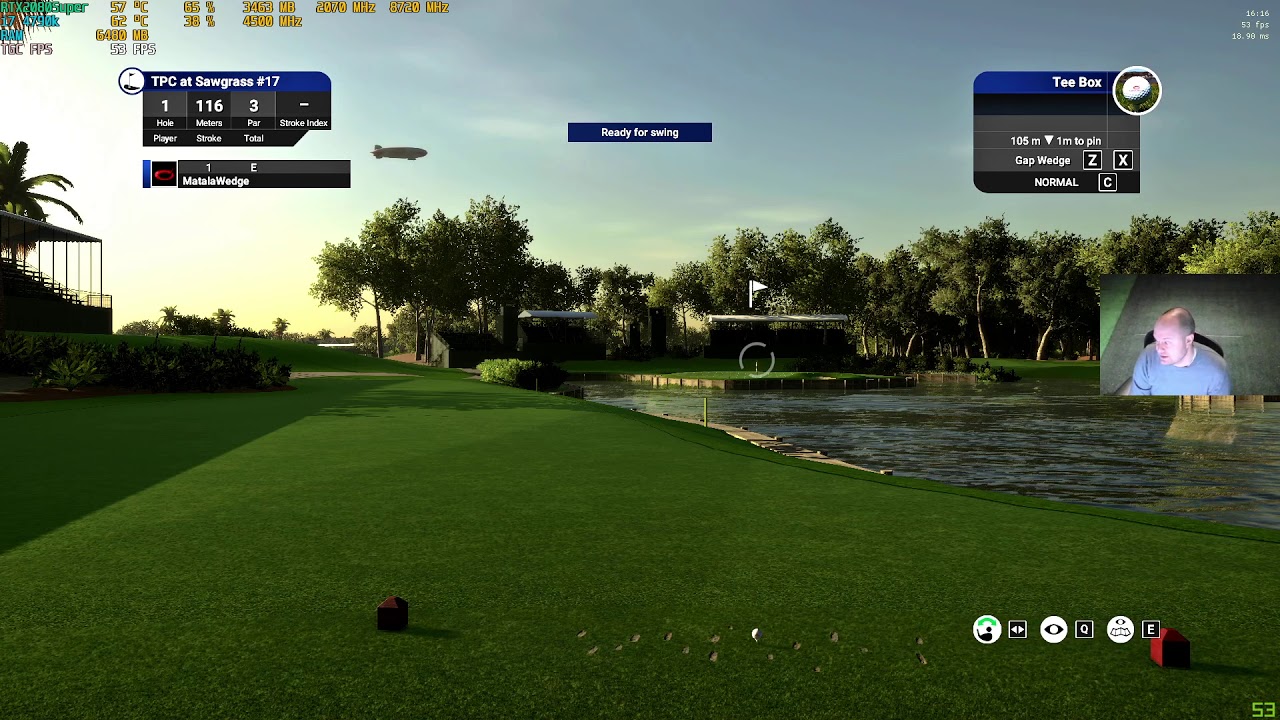
Comment
-
The difference in those before and after shots is pretty remarkable. I've watched a few youtube tutorials about installing reshade and still not sure what I'm doing wrong. I'll keep at it though. It looks awesome. I did not consider the loss of fps though that he discussed in this video. Is that pretty common with reshade? I'm already losing a little because I have some of the advanced graphics jacked up so I wonder what the tradeoff will be like.
-
-
Yeah I thought the fps loss was strange but it does look a lot more vibrant. I'm going to give it a try later today so if I get it to work I'll let you know.Originally posted by JayJo13 View PostComment


Comment