
-
Ok, thanks. The first is the correct behavior as we do not report back spin for putting. But the second is really good info that have, thanks! -
Hahaha that's awesome!Originally posted by ProTee United View Post
Edit: Had to rock the avatar hahaLast edited by Ironstrokes; 04-27-2016, 03:48 PM. -
Leave a comment:
-
Haha thank you very much, an avatar like a wrench or something world be hilarious. But having a simulator is pretty much the best hobby/thing ever. There's no doubt I'm gonna put the time to see everything I can and hope to give some helpful info to the guys running the show if I notice something. I do trust they will figure out some sort of fix and hope the videos and all help pin point it for them to make it quick and easy if possible. Im sure they are working hard over there as we know they doOriginally posted by Shardak View Post
And obviously more then willing to give any more info or test anything out if there are any suggestions from portee or anyone..... In protee I trustLast edited by Ironstrokes; 04-27-2016, 06:00 AM.Leave a comment:
-
HB Studios or Protee should give you some kind of special in-game avatar for all the bug finding and detective work! Good job with all this info, I hope they fix this soon.
I have always had my options set to not display the shot info window after each shot, and I rarely pull it up, so I only noticed this recently. I would not doubt if this has been happening since day 1.
I think its a possibility this is some kind of feature gone wrong. Like a penalty for bad lie near the green. -
That's another one the weird things, ive tried taking full swings in that position and it will not read the shot at all, Ill take 10 full swings with no read, the laser never even goes off. Then when I go back and hit lighter shot (pitch or chip), that will read every time but just those same 0 and 1000 numbers. And ive tried this on wifi, usb, putting and normal modes tons of times in the last few days. It almost seems to lock you into hitting some sort of small shot and wont read if you try to hit a full shot again. Very strange. I suggest anyone seeing the same numbers when they chip to rewind and go back and try to take a full swing from that spot and see thisOriginally posted by SFR View PostLeave a comment:
-
I really hope they get this spin issue figured out because I just did the q school, my first 5 rounds on tgc. Every shot inside of 50 yards absolutely killed me. Balls ran all over green and no checking up what so ever. I'm still trying to figure this out and played a good 20 strokes worse than my on course average.
Enjoying it other wise though!Leave a comment:
-
Originally posted by SkyTrak View Post
Yea it has definitely worked correctly on the skytrak app and even on the tee in TGC, but just not around the green for some reason. Ive tried switch back and forth from normal to chipping mode as well and if I switch it to putting mode on my own (without it automatically setting me in that mode) when I chip it will fly in the air normally and when it hits the green it will shoot across it like a putt and the sidespin and backspin with both be 0 for for all the numbers. Then when I switch it back for normal mode I get the 0 sidespin and 1000 backspin from the fridge and 0 sidespin and 900 backspin from the bunker.Leave a comment:
-
Originally posted by aja View Post
I dont think it shows up correctly on the image either, as when im trying to hit a flop shot or a bump and run the ball will fly through the air at different heights but once it hits the green it will roll the exact same way no matter what, so something has to be off there.
I also find myself hitting a decent amount of pins when chipping as well (not to mention when I play on the tour at least 3 or 4 times a round I hear a ghost ball hitting a pin or someone chipping in, seems like a little much), so that makes me think that the 0 sidespin and 1000 backspin is actually what it is reading and is a big issues to the accuracy of the short game.
You can see in my videos that the spin numbers actually vary as they should when chipping off the tee, but once i get up next to the green its this same thing over and over again (so wouldnt see why they would have a default display for the numbers just around the green). And im surprised more havent come out to notice this as well, since both of the youtube videos I posted of other skytrak-tgc users and all the videos ive watched of chipping around the green (with skytrak) had the exact same thing happen when chipping, so i think it more wide spread then we may realize.Leave a comment:
-
Bottom line is, is the shot showing up in the sim as it should?
No one seems concerned that the club head info is always 'straight', club path 0 degrees, inside or out, since these are dummy placeholders for data that isn't read or available.
Just as well, the 1000 spin is just a placeholder because the interface hasn't been properly configured/programmed...
Anybody - does the shot show up properly on the sim image, notwithstanding the spin 'data' that is shown? -
If it works correctly in the SkyTrak app (which it should, I've never seen a repeating 1000 back spin), then it may be something with the mode. I wonder if TGC has it in putting mode at that point and is giving a default back spin?? Just guessing though. Thanks for pointing it out, I'm sure it will be a simple fix.Leave a comment:
-
Crap, didn't realize you can really see it in the pictures but the 1:10 mark on this video and of course the original skytrak-tgc video everyone knows that we first saw from par2proLast edited by Ironstrokes; 04-26-2016, 04:41 AM.Leave a comment:
-
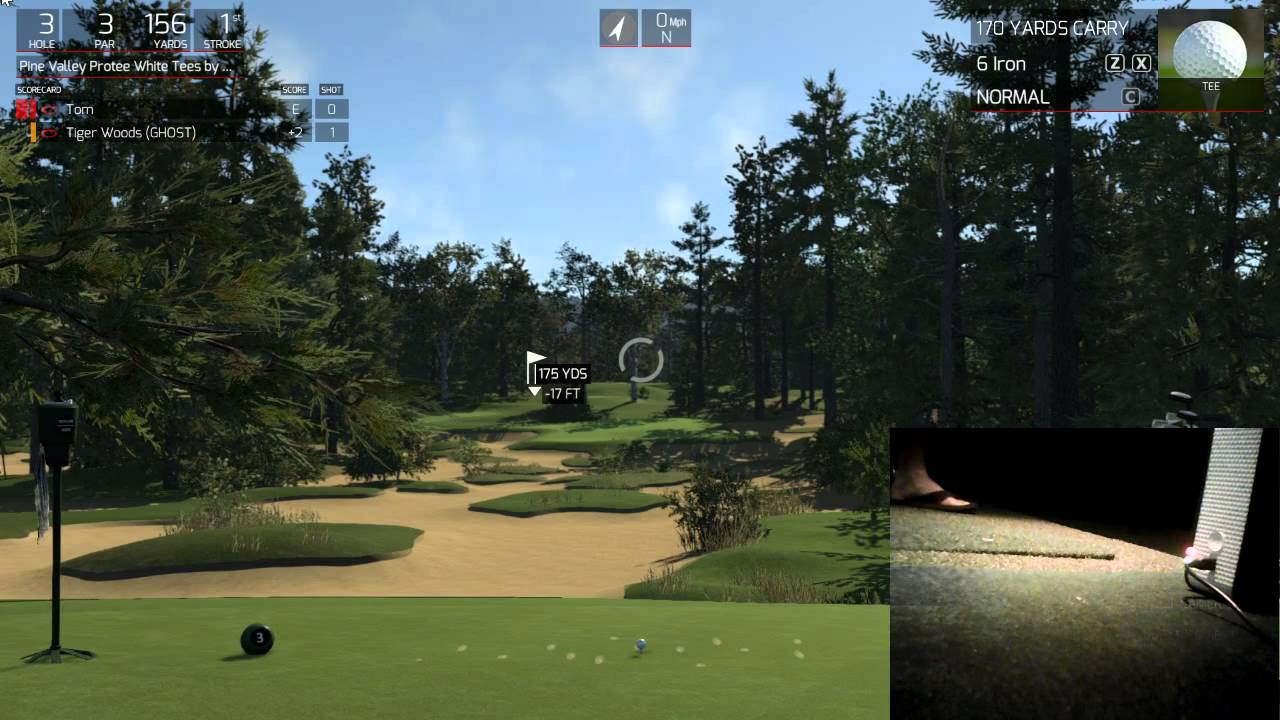
Don't mean to harp on this too much as I know protee is looking into it, but finding more evidence every day and starting to think this may be happening for all the skytrak users all along on closer chips and don't realize it. Just took a search at a few of the tgc and skytrak videos on YouTube and immediately saw this happening for them too. Here's a screen shot of hoosierdaddy's video of an 11 yard chip where it happens and continues to do so on shorter chips and even the first beta video of tgc and skytrak we ever even saw from the par2pro guys and it happened on the only chip he hit in the video.Leave a comment:


Leave a comment: